

10 Top Social Media Scheduling Tools Every Digital Marketer Should Use
I have been managing social media for brands of different sizes for years, and the one thing that consistently separates organised teams from chaotic ones is not creative talent or strategy. It is a system. Specifically, it has a scheduling tool that fits how your team actually works.
Over the past few months, I ran real accounts through every major scheduling platform on this list: a small e-commerce brand, a B2B SaaS company, a multi-client agency, and my own content channels. I paid attention to what each tool does well, where it quietly frustrates you three weeks into daily use, and whether the pricing makes sense for different team sizes.
This guide reflects that honest testing. Pricing has been verified from official pages as of May 2025. I have flagged the tools that changed pricing or plans recently, because several of them did.
What Are Social Media Scheduling Tools?
The category has expanded significantly in the past two years. Tools that once only scheduled posts now offer AI-assisted caption writing, best-time-to-post recommendations based on audience data, unified inboxes for managing comments and messages across platforms, competitor analysis, and analytics that rival dedicated reporting software.
The right tool depends on what you actually need. A solo creator managing two Instagram accounts has very different requirements from an agency running 20 client accounts across six platforms. No single tool is optimal for every situation, which is why the comparison below is structured around use case and team size rather than a single ranked list.
How I Evaluated These Tools
I used the same framework across every platform on this list:
- Ease of setup and onboarding: How quickly can a new user connect accounts and start scheduling productively?
- Supported platforms: Which networks are covered, and how reliably do scheduled posts publish without disconnection?
- Content calendar quality: How clear and usable is the scheduling interface for planning a week or month at a time?
- Analytics depth: Does the tool provide enough data to make decisions, or just vanity metrics?
- AI features: Are the AI caption writing and smart scheduling features genuinely useful, or just a checkbox?
- Team collaboration: How well does the tool handle multiple users, approval workflows, and client access?
- Value for money: Is the pricing justified relative to what you get at each tier?
Quick Comparison of All 10 Social Media Scheduling Tools at a Glance
| Tool | Starting Price | Free Plan/Trial | Strongest Feature | Supported Platforms | Best For |
|---|---|---|---|---|---|
| Buffer | $5/channel/mo | Free (3 channels) | Simplicity and value | 10 platforms | Solo creators, small teams |
| Hootsuite | $99/user/mo | 30-day free trial | Listening and integrations | 35+ platforms | Enterprise and agencies |
| Sprout Social | $199/user/mo | 30-day free trial | Analytics and Smart Inbox | Major platforms + reviews | Enterprise and PR teams |
| Later | $18.75/mo | 14-day free trial | Visual grid planning | 8 platforms | Instagram and TikTok brands |
| Loomly | $32/mo | 15-day free trial | Approval workflows | Major platforms | Teams with content review |
| Metricool | $22/mo | Free (1 brand) | Competitor tracking + ads | Major + ads | Analytics-focused marketers |
| Publer | $12/mo | Free (3 accounts) | Value-to-features ratio | 9 platforms | Freelancers and small agencies |
| SocialBee | $29/mo | 14-day free trial | Content recycling | 8 platforms | Evergreen content strategies |
| Agorapulse | $79/user/mo | 30-day free trial | Community management inbox | Major platforms | Community management teams |
| SocialPilot | $30/mo | 14-day free trial | Client management for agencies | Major platforms | Digital marketing agencies |
The 10 Best Social Media Scheduling Tools
Buffer
The cleanest, most affordable scheduling tool for individuals and small teams
Best for: Solo creators, small businesses, and any team that wants simplicity and low cost
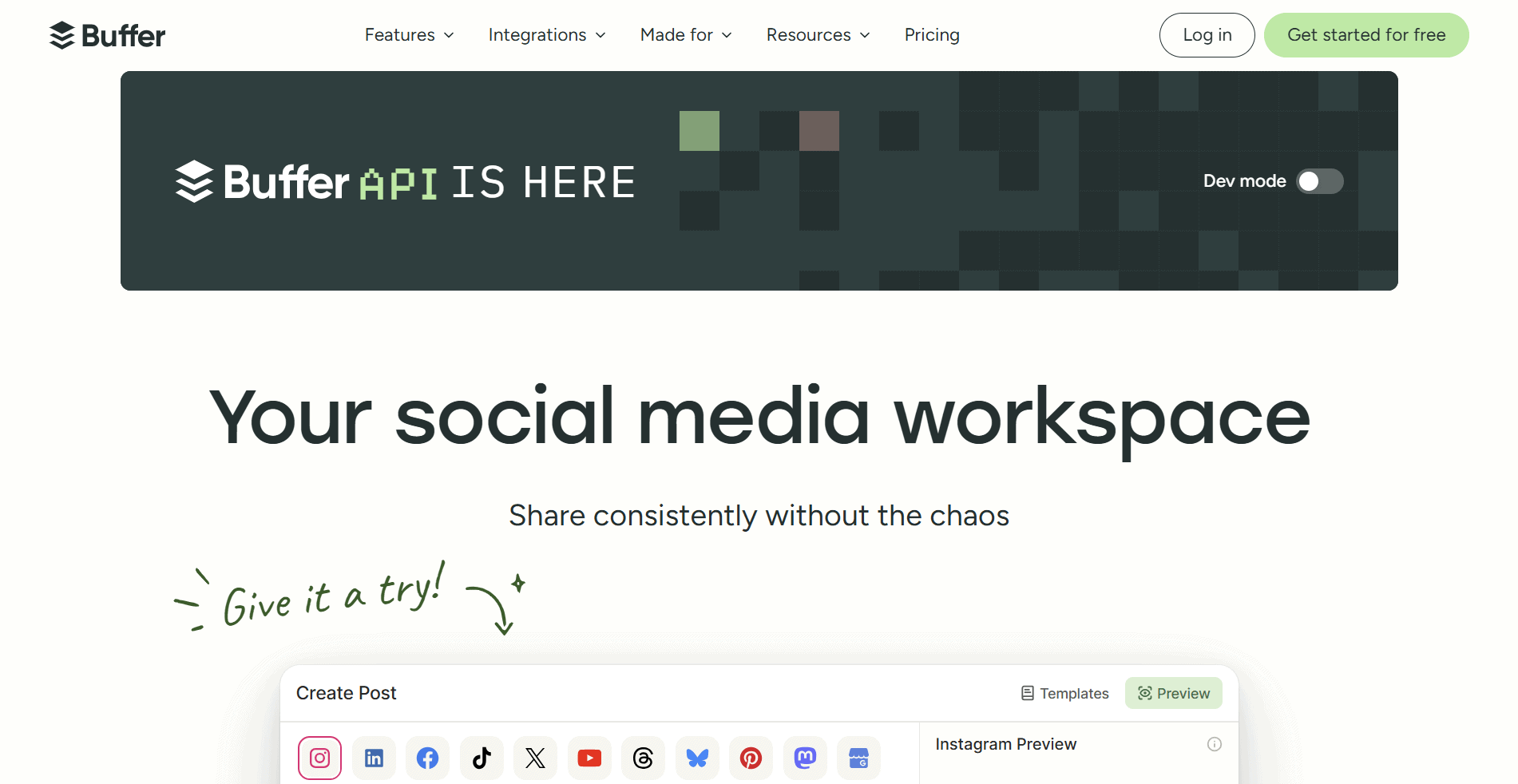
Buffer was one of the first social media scheduling tools I ever used, and it remains one of the most consistently useful. The interface is genuinely clean. There is no feature sprawl. You connect your accounts, write your posts, set your schedule, and Buffer handles the rest. For teams that have been burned by overly complex platforms, that simplicity is genuinely refreshing.
The pricing model is unique in this category. Buffer charges per channel rather than per user, which makes it significantly cheaper than per-seat tools for teams managing several accounts. A three-person team on ten channels pays $100 per month on the Team plan rather than the $300 or more you would pay with per-seat platforms at similar feature levels.
In late 2025, Buffer restructured its plans, eliminating some legacy tiers and simplifying to Free, Essentials, and Team. The new structure is cleaner, but some users found the entry-level Essentials plan now limited to a single user, forcing teams to jump directly to Team. That is worth knowing before you sign up.
Key Features
- Multi-platform publishing: Publish to Instagram, Facebook, X (Twitter), LinkedIn, Pinterest, TikTok, YouTube, Google Business Profile, Threads, and Bluesky from one dashboard
- Scheduling queue: Set a posting schedule for each channel, and Buffer fills it automatically as you add content. Drag-and-drop reordering makes adjustments quick
- Analytics: Per-post performance data, including engagement rates, reach, clicks, and follower growth. Available on Essentials and Team plans. Not the deepest in the category, but it covers most needs
- Community inbox: Manage comments and messages across connected channels in one place. Available from the Essentials plan
- AI assistant: Caption generation and post ideas built into the composer. Available across all plans, including free. Quality is solid for generating starting points, not always publish-ready copy
- Start Page: Link-in-bio landing page builder included with all plans. Clean and functional without needing a separate tool
- Channel groups: Organise multiple accounts into groups for faster bulk scheduling. Available from the Essentials plan
What I Liked
- Per-channel pricing is genuinely cheaper than per-seat platforms for most team sizes
- The cleanest scheduling interface I tested; zero learning curve for new users
- Free plan is real and functional, not just a marketing claim
- AI assistant is included on all plans, including free; quality is consistently above average
What Frustrated Me
- The Essentials plan is single-user only; the second team member forces an upgrade to Team
- No social listening, no competitor analysis, no content discovery features
- Analytics are basic compared to Metricool or Sprout Social at comparable price points
- Per-channel pricing becomes expensive as channel count grows; costs can be unpredictable
Pricing (Verified May 2025)
| Plan | Price (billed annually) | Key Features at This Tier |
|---|---|---|
| Free | Free | 3 channels, 10 scheduled posts per channel in queue at a time, 1 user, AI assistant, Start Page, basic analytics |
| Essentials | $5/channel/month (annual); $6/month billed monthly | 1 user, unlimited scheduled posts, analytics, community inbox, all publishing features, Start Page. Single user only; no team collaboration |
| Team | $10/channel/month (annual); $12/month billed monthly | Unlimited team members, all Essentials features, plus team drafts, collaboration workflows, client access, and team permissions. Volume discount on channels 11 to 25 |
My Verdict
Buffer is the right tool when simplicity and low cost are the top priorities. For a solo creator or a small team managing up to ten channels, it is hard to beat the value. For agencies managing many clients or teams that need approval workflows and deep analytics, the limitations will become apparent quickly. Start with the free plan and upgrade when you genuinely need what Essentials or Team adds.
Hootsuite
The most established enterprise scheduling platform with deep integrations and built-in social listening
Best for: Medium to large businesses, agencies, and enterprise teams that need comprehensive social media management
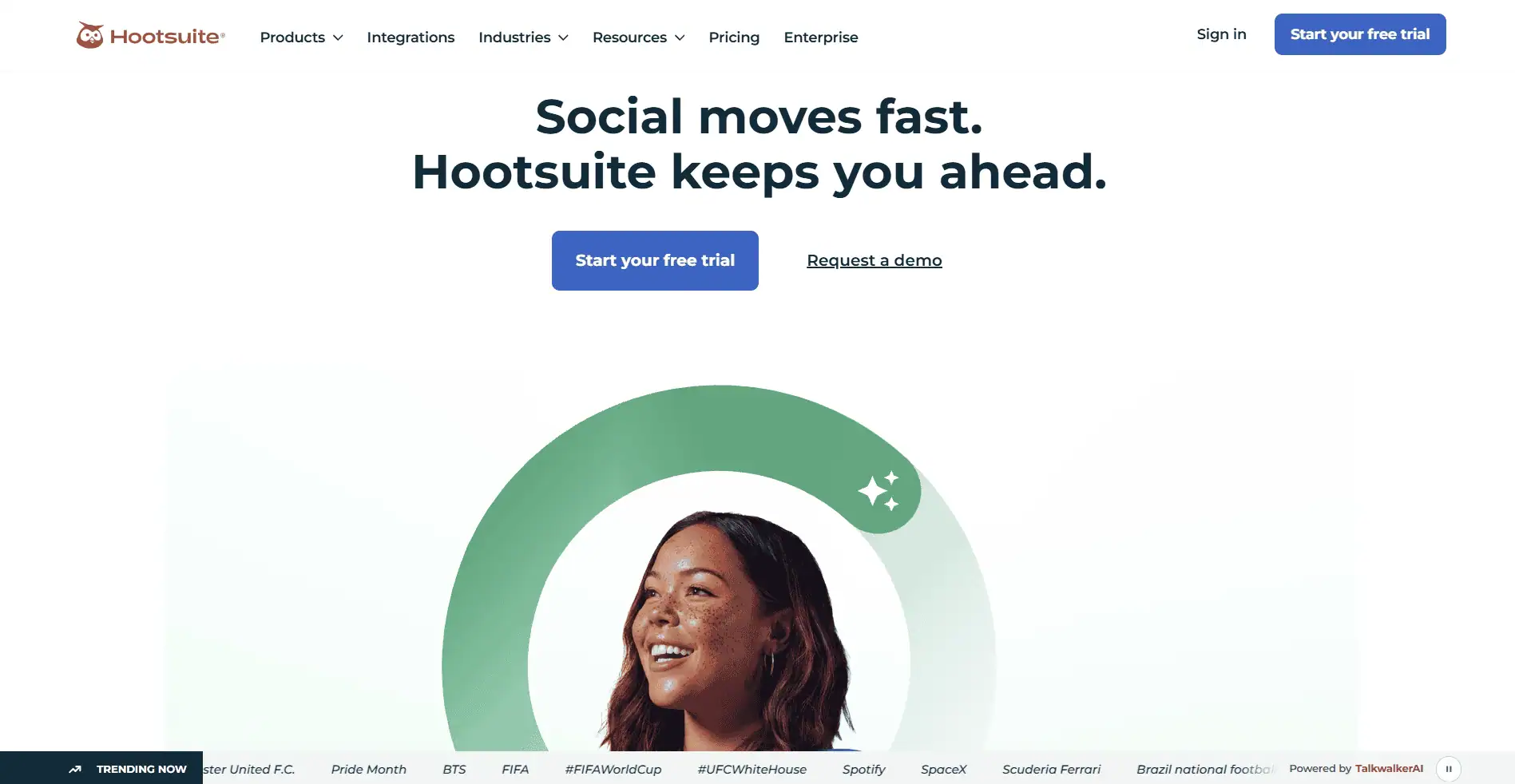
Hootsuite is the oldest name in social media management, and in many organisations it is still the default. It has earned that position through breadth: more integrations, more platforms, more automation, and more reporting depth than most competitors. It is also the platform most likely to be recognised by a client or HR department, which matters more than many marketers admit.
The most significant recent development is Hootsuite’s integration of Talkwalker for social listening, which is now included in paid plans rather than charged as a separate add-on. That changes the value equation considerably. Sprout Social charges around $999 per month for a comparable listening capability. Getting it bundled into a plan that starts at $99 per user per month is a meaningful advantage for teams where monitoring is a serious requirement.
The price increase Hootsuite implemented in recent years has driven away many small users, and correctly so. Hootsuite is not built for solo creators or very small teams. For organisations where social media is a significant marketing channel managed by a dedicated team, the feature depth justifies the cost.
Key Features
- Social listening via Talkwalker: Monitor brand mentions, industry conversations, and competitor activity across social networks, news sites, and blogs. Bundled into paid plans without a separate fee
- Bulk scheduling: Upload and schedule hundreds of posts at once via CSV. Available on the Advanced plan. Essential for agencies building out content calendars efficiently
- Unified inbox: Manage comments, messages, and mentions across all connected profiles in one interface with assignment and status tracking
- Advanced analytics: Custom reporting dashboards, competitive benchmarking, team productivity reports, and exportable data. Depth is significantly higher than mid-market tools
- Social advertising management: Manage and boost Facebook, Instagram, and LinkedIn ads directly from the platform. Available on paid plans
- Content streams: Monitor keyword, hashtag, and profile streams in real time alongside your publishing workflow. Useful for community management and real-time response
- Integrations: 150 integrations, including Salesforce, HubSpot, Adobe Experience Manager, Google Analytics, Canva, and more. Deepest integration library in the category
What I Liked
- Talkwalker social listening bundled in is a significant competitive advantage at this price point
- The deepest integration library in the category; connects to almost every marketing tool in the enterprise stack
- Bulk scheduling and competitive benchmarking are genuinely enterprise-grade features
- 30-day free trial is one of the most generous in the category for proper evaluation
What Frustrated Me
- Per-user pricing means a three-person team pays at least $297 per month on the Standard plan
- Hootsuite eliminated its free plan; the entry point is now $99 per user per month
- Interface complexity can frustrate users who need to onboard quickly
- For small teams or solo users, the cost is difficult to justify relative to cheaper alternatives
Pricing (Verified May 2025)
| Plan | Price (billed annually) | Key Features at This Tier |
|---|---|---|
| Standard | $99/user/month (annual) | 1 user, 10 social accounts, social listening via Talkwalker, scheduling, unified inbox, basic analytics, social advertising, Canva integration |
| Advanced | $249/user/month (annual) | 1 user, unlimited social accounts, bulk scheduling, custom analytics, competitive benchmarking, advanced inbox, approval workflows, custom reporting |
| Enterprise | Custom quote | Unlimited users, unlimited accounts, custom onboarding, dedicated account manager, API access, advanced security, SSO, custom integrations |
My Verdict
Hootsuite is justified when social listening and enterprise integrations are genuine requirements, not nice-to-haves. The Standard plan at $99 per user is competitive for the feature set, especially now that Talkwalker listening is included. For teams of two or three people without those requirements, Buffer or Later, at a fraction of the cost, will handle the day-to-day job just as well.
Sprout Social
The most polished platform for teams that care deeply about analytics, reporting, and CRM integration
Best for: Enterprise marketing teams, PR departments, and agencies where analytics depth and CRM integration justify a premium
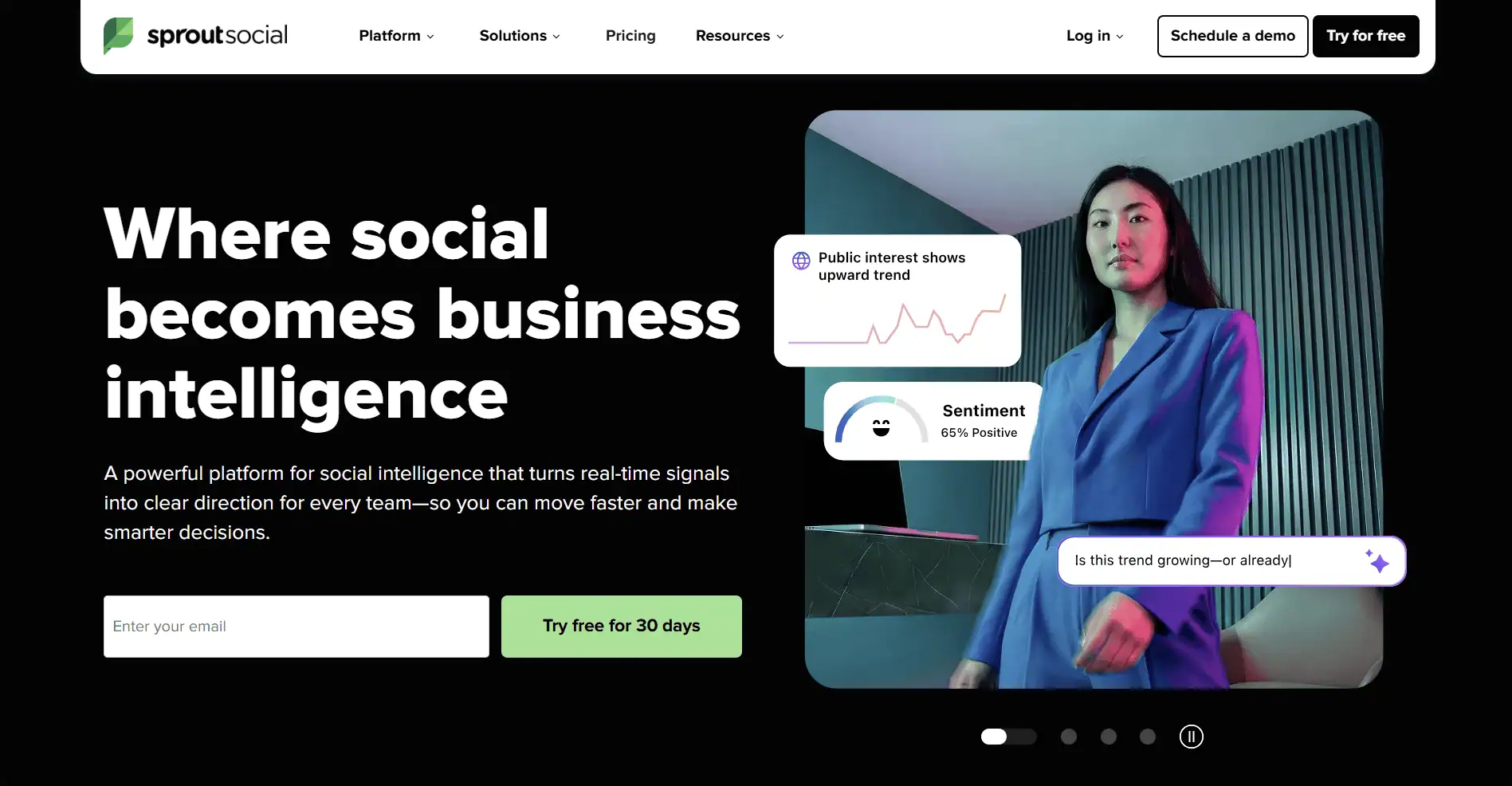
Sprout Social is the most expensive tool on this list and is unambiguous about it. The entry point is $199 per user per month, billed annually, which means a five-person social media team is committing to nearly $12,000 per year before any add-ons. That is a significant budget line. What you get for that money is the most polished analytics, reporting, and unified inbox experience in the category.
The Smart Inbox is the feature I hear Sprout users praise most consistently. It consolidates every comment, message, mention, and review across all connected platforms into a single stream, with AI-powered message classification, sentiment analysis, and assignment workflows. For a brand managing significant community engagement, this alone can justify the cost by replacing hours of manual triage every week.
Sprout Social also has the deepest CRM integration in the category, connecting directly to Salesforce, HubSpot, and other CRM platforms to link social engagement data to customer records. For enterprise teams where social interaction touches the customer journey in a meaningful way, that integration is hard to replicate with cheaper tools.
Key Features
- Smart Inbox: Consolidates all messages, comments, and mentions from every platform into one stream with AI sentiment analysis, message tagging, and automated assignment rules
- Advanced analytics and custom reports: The most detailed social analytics in the category. Custom report builder, competitive benchmarking, audience demographics, paid performance analysis, and premium reporting templates
- Publishing calendar: Visual content calendar with per-platform preview, optimal send times based on historical data, and message queuing across profiles
- Review management: Manage and respond to reviews across Google, Facebook, Yelp, TripAdvisor, Glassdoor, Trustpilot, Apple App Store, and Google Play from one interface
- CRM integration: Deep Salesforce and HubSpot integration linking social contacts to CRM records. Enables social-to-sale tracking and account-level social listening
- Social listening (add-on): Topic listening and brand monitoring across social networks, news, and forums. More powerful than most tools but priced as an additional add-on, not bundled in
- Employee advocacy: Platform for distributing pre-approved content to employee personal networks. Available as a separate module on higher plans
What I Liked
- Smart Inbox is the best-designed engagement management feature in any social media tool I tested
- Analytics and custom reporting are genuinely enterprise-grade and regularly cited by users as a primary reason for staying
- Review management across six platforms in one interface is a significant time saver for brand-heavy organisations
- CRM integration depth is unmatched; connects social data to the customer record in ways no mid-market tool can replicate
What Frustrated Me
- At $199 per user per month, a three-person team pays $597 per month as an absolute minimum
- Social listening is an additional add-on; it is not bundled in unlike Hootsuite’s Talkwalker integration
- Entry plan only includes 5 social profiles; growing that number requires a plan upgrade
- The premium is genuinely hard to justify for teams whose core need is scheduling rather than analytics
Pricing (Verified May 2025)
| Plan | Price (billed annually) | Key Features at This Tier |
|---|---|---|
| Standard | $199/user/month (annual) | 5 social profiles, publishing calendar, Smart Inbox, reporting basics, approval workflows, social CRM features, engagement history |
| Professional | $299/user/month (annual) | 10 social profiles, competitive reporting, full message tagging, sentiment analysis, paid performance reporting, trend analysis, chatbot builder |
| Advanced | $399/user/month (annual) | 10+ social profiles, AI-powered automation, digital asset management, review management for 6 platforms, message spike alerts, advanced analytics |
| Enterprise | Custom quote | Unlimited profiles, custom listening solutions, dedicated support, advanced security, custom API, premium onboarding |
My Verdict
Sprout Social is the right investment when you are managing a high-volume social presence, need to connect social performance to revenue, or rely on review management across multiple platforms. For most teams where scheduling and basic analytics are the primary need, the price will not be justified. But for enterprise marketing teams where the inbox and analytics are used every single day, the ROI case is real.
Later
The most visual scheduling experience, built specifically for Instagram and TikTok-first brands
Best for: Visual brands, e-commerce teams, influencers, and anyone whose strategy is centred on Instagram and TikTok
Later has built a strong reputation in the scheduling category by doing one thing exceptionally well: making visual content planning genuinely intuitive. The drag-and-drop Instagram grid preview lets you see exactly how your feed will look before you publish, which sounds minor until you have wasted time rearranging posts after the fact.
The platform expanded significantly in 2024 and 2025, adding AI features including Smart Scheduling (which optimises post timing based on your audience’s actual engagement data), Future Trends (which surfaces emerging content trends and auto-drafts posts around them), and an AI caption generator. These are not superficial additions; the smart scheduling recommendation in particular was consistently more accurate than the defaults I had been using.
Later supports Instagram, TikTok, Facebook, X, LinkedIn, Pinterest, YouTube, and TikTok. The social set model, where you pay per set of accounts rather than per individual profile, can be confusing at first. A social set typically means one account on each platform. Understanding this before you sign up saves a frustrating conversation with support later.
Key Features
- Visual content calendar: Drag-and-drop visual planner with Instagram grid preview showing exactly how your feed will appear. The clearest visual content planning interface in the category
- Smart Scheduling: AI analyses your audience engagement history and recommends the optimal posting times for each platform and content format. Consistently better results than manual scheduling in my testing
- Future Trends AI: Surfaces emerging content trends relevant to your niche and auto-drafts posts around them. Genuinely useful for content teams that struggle to keep up with what is performing
- Link in Bio: Customisable link-in-bio page that mirrors your Instagram feed and links each image to a URL. Included on all plans
- Social inbox: Unified inbox for managing comments and DMs across connected platforms. Available from the Growth plan
- Analytics: Per-post and per-profile performance data with best time to post, hashtag analytics, and story performance. Better than Buffer at equivalent price points
- Canva integration: Create and import designs from Canva directly into the Later scheduler without downloading and uploading
What I Liked
- The visual grid planner for Instagram is the best-designed feature of its kind in any scheduling tool
- Smart Scheduling AI is genuinely more accurate than manual best-guess timing
- 14-day free trial with full access, no credit card required
- Strong Instagram and TikTok-specific features that generalist tools lack
What Frustrated Me
- The social set pricing model is confusing; new users frequently misunderstand what they are paying for
- Starter plan limits posts to 30 per profile per month, which is restrictive for active accounts
- No social listening or competitor analysis features
- X (Twitter) and LinkedIn support is present but clearly not the primary focus of the tool
Pricing (Verified May 2025)
| Plan | Price (billed annually) | Key Features at This Tier |
|---|---|---|
| Starter | $18.75/month (annual); $25/month billed monthly | 1 social set (1 account per platform), 1 user, 30 posts per profile per month, visual planner, Link in Bio, Smart Scheduling, basic analytics |
| Growth | $40/month (annual); $45/month billed monthly | 3 social sets, 3 users, unlimited posts, full analytics, social inbox, comment management, hashtag analytics, Future Trends AI, Canva integration |
| Advanced | $80/month (annual); $80/month billed monthly | 6 social sets, 6 users, everything in Growth, bulk scheduling, advanced analytics, white-label PDF reports, priority support |
My Verdict
Later is the right choice for any brand where Instagram or TikTok is the primary channel. The visual planning experience is genuinely better than any competitor I tested, and the AI features around smart scheduling and trend surfacing are more useful than most. If your strategy spans multiple platforms equally, a more generalist tool like Buffer or Loomly may serve you better.
Loomly
The most clearly structured tool for teams that need formal content approval workflows
Best for: Marketing teams, agencies, and organisations where content must be approved before publishing
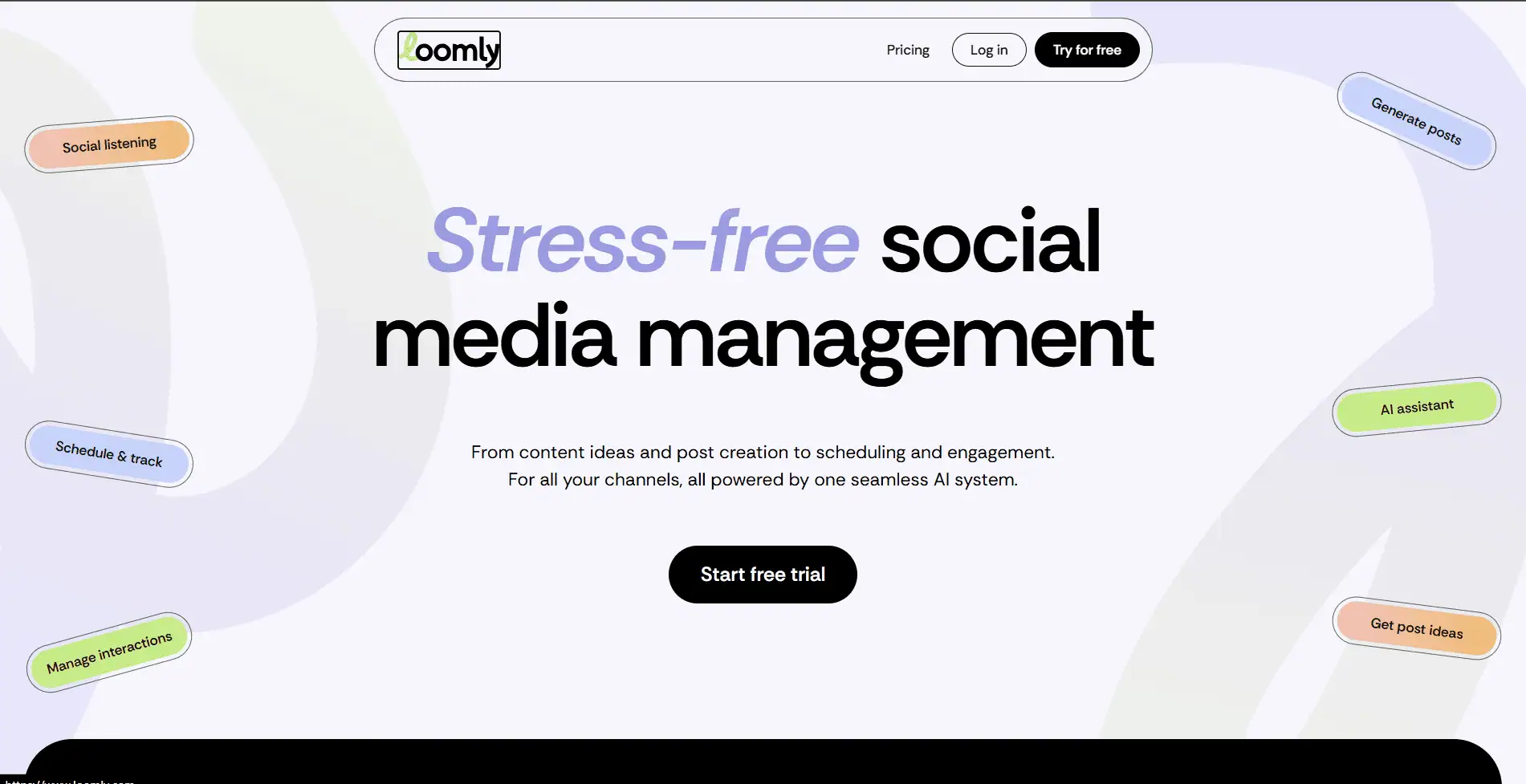
Loomly occupies a specific and well-executed niche in the scheduling market: teams that need a clear, trackable approval process. If you manage social media for a brand where content needs to go through multiple rounds of review before publishing, the approval workflow in Loomly is the best-designed I have seen in this category.
Every post in Loomly moves through a customisable status workflow: Draft, Pending Approval, Requires Changes, Approved, Scheduled, Published. Team members and external collaborators can comment on posts, request changes, and approve or reject with a single click. The status is always visible on the calendar, which makes it easy for a manager to see at a glance what is ready to go and what is still waiting.
Loomly also surfaces content ideas based on trending topics, events, and social media holidays, which is a genuinely useful feature for content teams that struggle to maintain a consistent posting cadence. The post ideas engine is not the most sophisticated on the market, but it is reliably helpful as a daily prompt.
Key Features
- Approval workflows: Customisable multi-step approval process with draft, review, approval, and rejection statuses. Comment threads on each post for feedback. Best-designed approval system in this category
- Content calendar: Colour-coded calendar showing post status, platform, and format at a glance. Clean and fast to navigate for planning a month at a time
- Post ideas: Daily suggestions based on trending topics, upcoming events, social media holidays, and RSS feeds. Useful as a content prompt for teams managing multiple posting days per week
- Interactions tracking: Monitor comments and messages across connected profiles and respond from within Loomly
- Content library: Centralised storage for images, videos, and copy that team members can access when building posts
- Analytics: Per-post and per-profile analytics with exportable reports. Available from Base plan. Not as deep as Sprout or Metricool but covers standard reporting needs
- Integrations: Canva, Giphy, Unsplash, Google Drive, Dropbox, Slack notifications, and Zapier. Clean integration set covering the most common creative and communication tools
What I Liked
- The approval workflow is the clearest and most usable I tested across all tools
- Calendar status visibility makes managing a team’s content pipeline genuinely effortless
- Post ideas engine is a reliable daily content prompt for teams that struggle with creative consistency
- 15-day free trial with no credit card required
What Frustrated Me
- No built-in social listening or competitor analysis
- Analytics depth is adequate but not exceptional; teams that need deep performance insights may need a supplementary tool
- Base plan at $32 per month for up to 2 users and 10 social accounts is reasonable, but costs scale with higher tiers
- AI features are less sophisticated than Later or Buffer in terms of smart scheduling
Pricing (Verified May 2025)
| Plan | Price (billed annually) | Key Features at This Tier |
|---|---|---|
| Base | $32/month (annual) | 2 users, 10 social accounts, approval workflows, content calendar, post ideas, interactions, content library, basic analytics, Canva integration |
| Standard | $60/month (annual) | 6 users, 20 social accounts, everything in Base plus Slack and Microsoft Teams notifications, custom roles, advanced analytics |
| Advanced | $131/month (annual) | 14 users, 35 social accounts, custom approval workflows, advanced analytics, priority support, custom post statuses |
| Premium | $277/month (annual) | 30 users, 50 social accounts, all features, highest limits, dedicated account manager |
| Enterprise | Custom quote | Unlimited users and accounts, SSO, custom integrations, enterprise security, SLA |
My Verdict
Loomly is the clearest recommendation for any team where content needs to be reviewed and approved before going live. The workflow is intuitive enough that non-technical stakeholders can participate without training, and the visibility it provides over content status removes a significant amount of back-and-forth communication. For solo users or teams without approval requirements, the value is less compelling at this price point.
Metricool
The most analytics-focused scheduling tool with competitor tracking and ad management built in
Best for: Data-driven marketers, agencies, and teams who need scheduling alongside serious performance analytics
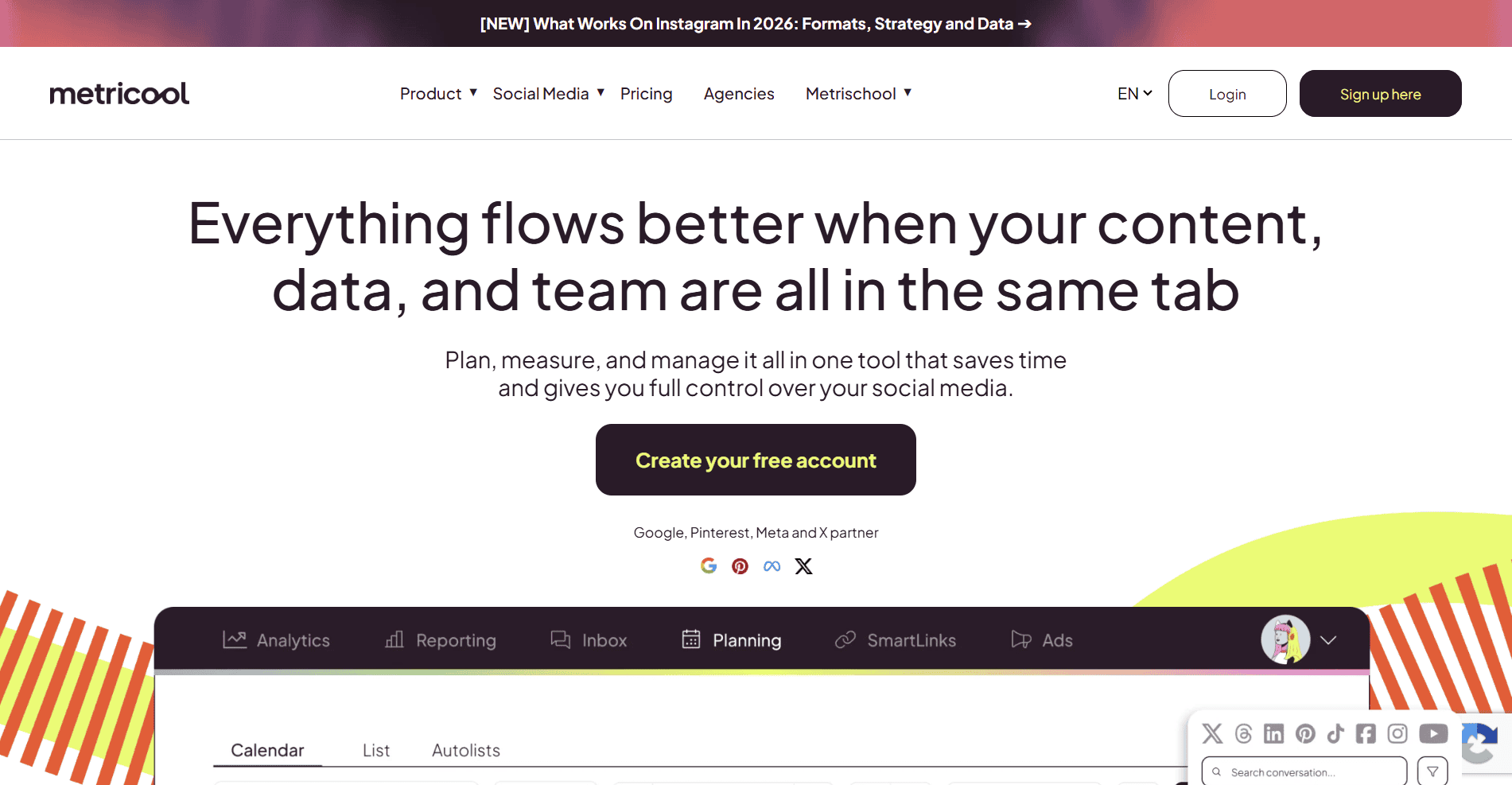
Metricool takes a different approach from most tools on this list. While competitors treat analytics as an add-on to their scheduling core, Metricool treats analytics as the centrepiece. The competitor tracking, hashtag analysis, and ad performance reporting that other platforms charge significantly more for are available at Metricool’s mid-tier price points.
In my testing, the analytics dashboard impressed me more consistently than any other scheduling tool I used. You can track competitor profiles, see their posting frequency, engagement rates, and best-performing content, and benchmark your own performance against them. For agencies that include competitive analysis in client reports, this alone can justify choosing Metricool over cheaper alternatives.
One important note on pricing: Metricool has add-ons for LinkedIn and X (Twitter) that are not included in the base plan price. Each connected LinkedIn or X account costs an additional $5 per month. This can push the effective monthly cost above the advertised figure for teams active on those platforms. Factor this in before signing up.
Key Features
- Competitor tracking: Monitor up to 50 competitor profiles, track their posting frequency, engagement rates, top content, and follower growth. Available from Starter plan
- Advanced analytics dashboard: Aggregate performance data across all connected platforms with custom date ranges, exportable reports, and trend tracking. Among the strongest in the mid-market category
- Ad management: Create, manage, and report on Facebook and Instagram ad campaigns directly from the platform. Unusual at this price point; most tools do not include ad management
- Auto-publishing: Smart auto-scheduler that analyses your historical audience engagement and selects the best posting times automatically
- Bulk scheduler: Upload and schedule multiple posts at once via CSV or drag-and-drop. Efficient for agencies building out full content calendars for clients
- Best times to post: Analyses your specific audience engagement data to recommend optimal posting windows for each platform
- Free plan analytics: Metricool’s free plan includes analytics access, which is unusual; most competitors lock this behind paid tiers
What I Liked
- Competitor tracking at this price point is genuinely unmatched; no other sub-$100 tool offers this depth
- Ad management built into scheduling is a significant efficiency gain for teams running paid alongside organic
- Free plan includes analytics access, which is rare in this category
- Bulk scheduling via CSV is efficient for agencies building out monthly content calendars
What Frustrated Me
- LinkedIn and X (Twitter) connections cost an additional $5 per account per month on top of the base plan price
- AI content generation features are less sophisticated than Later, Buffer, or SocialBee
- The free plan limits you to one brand, which means evaluating multi-brand workflows requires a paid account
- Interface can feel data-heavy and slightly overwhelming for users who primarily need scheduling
Pricing (Verified May 2025)
| Plan | Price (billed annually) | Key Features at This Tier |
|---|---|---|
| Free | Free | 1 brand, 50 scheduled posts per month, analytics (unusual for a free tier), hashtag tracking, basic reporting. No LinkedIn, no X (Twitter) |
| Starter | $22/month (annual) | 1 brand, unlimited scheduled posts, competitor tracking, advanced analytics, ad management (Facebook and Instagram), auto-publishing, bulk scheduling. LinkedIn and X cost $5 extra per account |
| Advanced | $54/month (annual) | 5 brands, all Starter features, multi-brand dashboard, more reporting features, priority support, increased limits across all tools |
| Pro 10 and above | From $147/month (annual) | 10 brands and above, white-label reports, team collaboration, client management, agency-scale limits |
My Verdict
Metricool is the right choice when analytics and competitor tracking are as important as scheduling. If you are regularly reporting on social media performance to clients or leadership, and especially if you are running paid ads alongside organic content, the combination of features at this price point is hard to match. Factor the LinkedIn and X add-on costs into your budget comparison before committing.
Publer
The most affordable multi-account scheduling tool with solid AI features and workspace organisation
Best for: Freelancers, small agencies, and budget-conscious teams managing multiple brands or clients
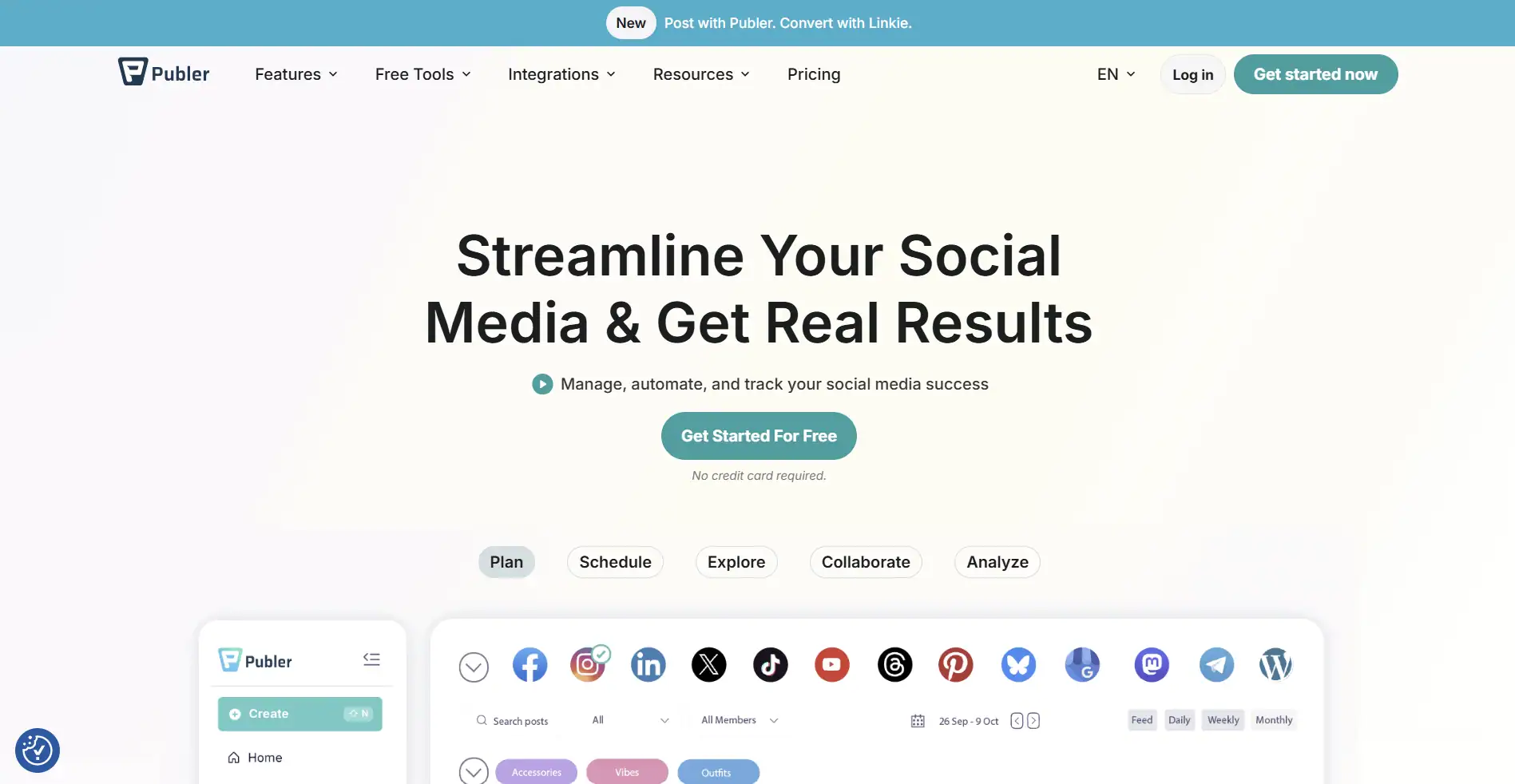
Publer is a tool that consistently punches above its price point. At $12 per month for the Professional plan covering three accounts, it includes AI-powered caption generation with GPT-4, bulk scheduling via CSV upload, workspace organisation for separating client accounts, and auto-scheduling based on audience data. That feature set typically costs two to three times more with established competitors.
The workspace structure is one of Publer’s most practically useful features for agencies. Each workspace operates independently with its own accounts, scheduled posts, analytics, and team access. Switching between client workspaces is fast, and keeping one client’s content completely separate from another’s prevents the kind of accidental cross-posting that can cause real problems.
Business plan users get access to DALL-E 3 image generation, which is a genuinely useful addition for content teams that need simple visuals quickly. It is not a replacement for a dedicated design tool, but for creating social graphics from a text prompt without leaving the scheduling workflow, it saves real time.
Key Features
- Workspace organisation: Separate workspaces for different brands or clients, each with their own accounts, content, analytics, and team members. The clearest workspace structure in the mid-budget category
- AI caption writing: GPT-4-powered caption generator available on Business plan. Noticeably better output quality than many competitors. Professional plan has more limited AI features
- Bulk scheduling via CSV: Upload multiple posts at once via CSV for rapid content calendar building. Available on all paid plans
- DALL-E 3 image generation: Generate social media images from text prompts directly within the composer on Business plan. Useful for quick visual content without leaving the tool
- Auto-scheduling: Analyses audience engagement patterns and selects optimal posting times automatically. Available on both paid plans
- Watermarking: Apply custom watermarks to images automatically before posting. Useful for brands that want consistent image branding without manual editing
- First comment scheduling: Schedule the first comment on Instagram and Facebook posts to publish immediately after the main post. Useful for hashtag placement without cluttering captions
What I Liked
- At $12 per month for Professional, the value per feature is among the best in the category
- Workspace separation for clients is clean and fast to navigate
- DALL-E 3 image generation on Business plan is a useful creative shortcut
- First comment scheduling is a small but genuinely useful feature for Instagram-heavy strategies
What Frustrated Me
- X (Twitter) is not available on the free plan; connecting it requires a paid subscription
- Full GPT-4 AI features are locked behind the Business plan at $21 per month
- Analytics depth is adequate for individual creators but less comprehensive than Metricool or Sprout
- Some users report occasional reliability issues with post publishing; worth monitoring closely in early weeks
Pricing (Verified May 2025)
| Plan | Price (billed annually) | Key Features at This Tier |
|---|---|---|
| Free | Free | 3 social accounts (no X/Twitter), 10 posts per month, basic scheduling, limited AI captions, link in bio, media library |
| Professional | $12/month (3 accounts, annual) | 3 accounts, unlimited scheduled posts, bulk CSV scheduling, auto-scheduling, first comment, watermarking, basic analytics, workspace for 1 brand. Scale by adding $4/account beyond 3 |
| Business | $21/month (3 accounts, annual) | 3 accounts, everything in Professional plus GPT-4 AI captions, DALL-E 3 image generation, full analytics, team collaboration, approval workflows. Scale by adding $7/account beyond 3 |
My Verdict
Publer is the tool I recommend when the budget is tight and you need more than basic scheduling. The Professional plan at $12 per month covers the essentials well, and the Business plan at $21 per month adds AI features and collaboration that competing tools charge significantly more for. For growing agencies, the workspace model makes multi-client management genuinely manageable.
SocialBee
The best tool for evergreen content strategy with category-based scheduling and content recycling
Best for: Content marketers, bloggers, and brands that want a balanced, always-active content mix without daily management
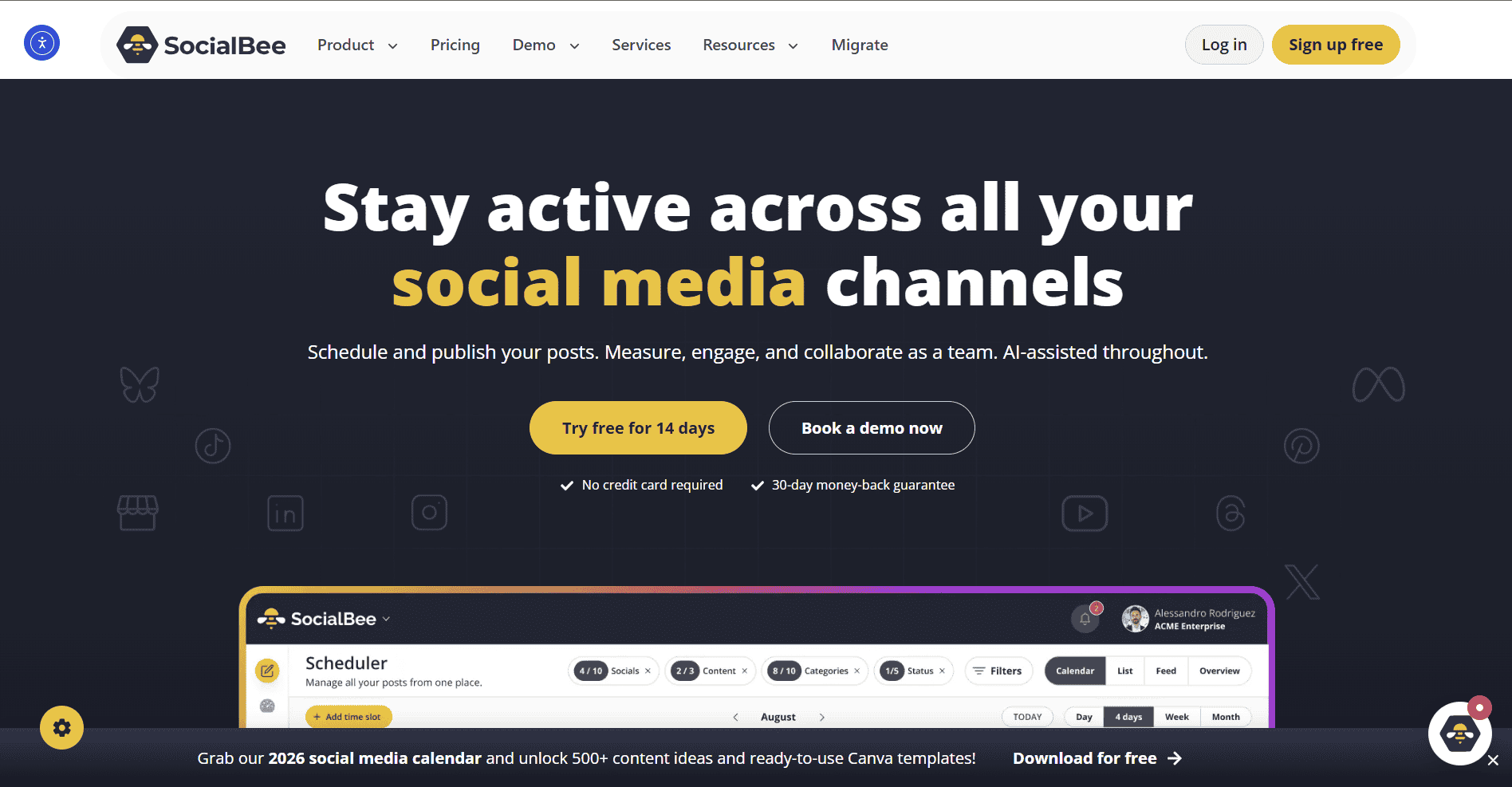
SocialBee approaches scheduling with a different philosophy from most tools on this list. Rather than a simple queue or calendar, it organises content into categories: educational, promotional, entertaining, curated, and whatever other categories fit your strategy. You assign a posting schedule to each category and SocialBee cycles through the content in each one, recycling posts that do not have an expiry date.
This approach is genuinely useful for brands that produce evergreen content and want a consistently active presence without having to create new posts every single day. A blog post from six months ago that is still relevant can be scheduled into a recycling rotation and continue generating traffic and engagement without any additional effort.
The AI copilot is one of the better implementations in this category. It assists with caption writing, generates post ideas, suggests optimal schedules based on your audience data, and can generate multiple caption variations for the same content for A/B testing. For content teams that produce a high volume of posts, this significantly reduces the time spent on each individual piece.
Key Features
- Category-based scheduling: Organise content into custom categories with individual posting schedules. Ensures a balanced content mix across educational, promotional, entertaining, and other content types automatically
- Content recycling: Posts without an expiry date are automatically recycled back into the queue after their scheduled publication, keeping evergreen content continuously active without manual intervention
- AI copilot: Assists with caption writing, post idea generation, optimal schedule suggestions, and creating multiple variations of the same content for testing
- Multi-platform publishing: Facebook, Instagram, X, LinkedIn, Pinterest, TikTok, YouTube, and Google Business Profile. Covers all major platforms without gaps
- Audience growth tools: Follower targeting tools for X and LinkedIn to help grow engaged audiences around specific topics. Available on higher plans
- Content curation: Import content from RSS feeds, URLs, or the content library and add it to scheduling queues. Useful for teams that share third-party content alongside original posts
- Analytics: Per-post and profile analytics with engagement rates, reach, clicks, and follower growth. Standard depth for the mid-market tier
What I Liked
- Content recycling is the most genuinely useful feature for evergreen-heavy strategies in this category
- Category-based organisation gives you visibility over your content mix that a simple calendar does not
- AI copilot quality is above average; multiple caption variations and schedule suggestions are reliably useful
- 14-day free trial with full feature access
What Frustrated Me
- No social listening or competitor analysis features
- Analytics are adequate but not the deepest; Metricool covers similar price points with more data
- The category model can feel overly structured for teams with simpler scheduling needs
- Interface requires more initial setup time than tools like Buffer or Later
Pricing (Verified May 2025)
| Plan | Price (billed annually) | Key Features at This Tier |
|---|---|---|
| Bootstrap | $29/month (annual) | 5 social profiles, 1 workspace, unlimited posts, content categories, content recycling, AI copilot, basic analytics, RSS feed import |
| Accelerate | $49/month (annual) | 10 social profiles, 1 workspace, all Bootstrap features, audience growth tools, team collaboration (2 users), approval workflows, advanced analytics |
| Pro | $99/month (annual) | 25 social profiles, 5 workspaces, all Accelerate features, 5 team users, white-label reports, priority support, custom URL shortener |
My Verdict
SocialBee is the right tool for content teams that think in terms of content strategy rather than just post scheduling. The recycling and category system genuinely improves the consistency and balance of your social presence over time. For brands with a strong evergreen content library that is not being fully utilised, SocialBee will surface real ROI relatively quickly.
Agorapulse
The best unified inbox for community management alongside solid scheduling and ROI reporting
Best for: Community managers, customer service teams, and brands where social engagement is a primary daily responsibility
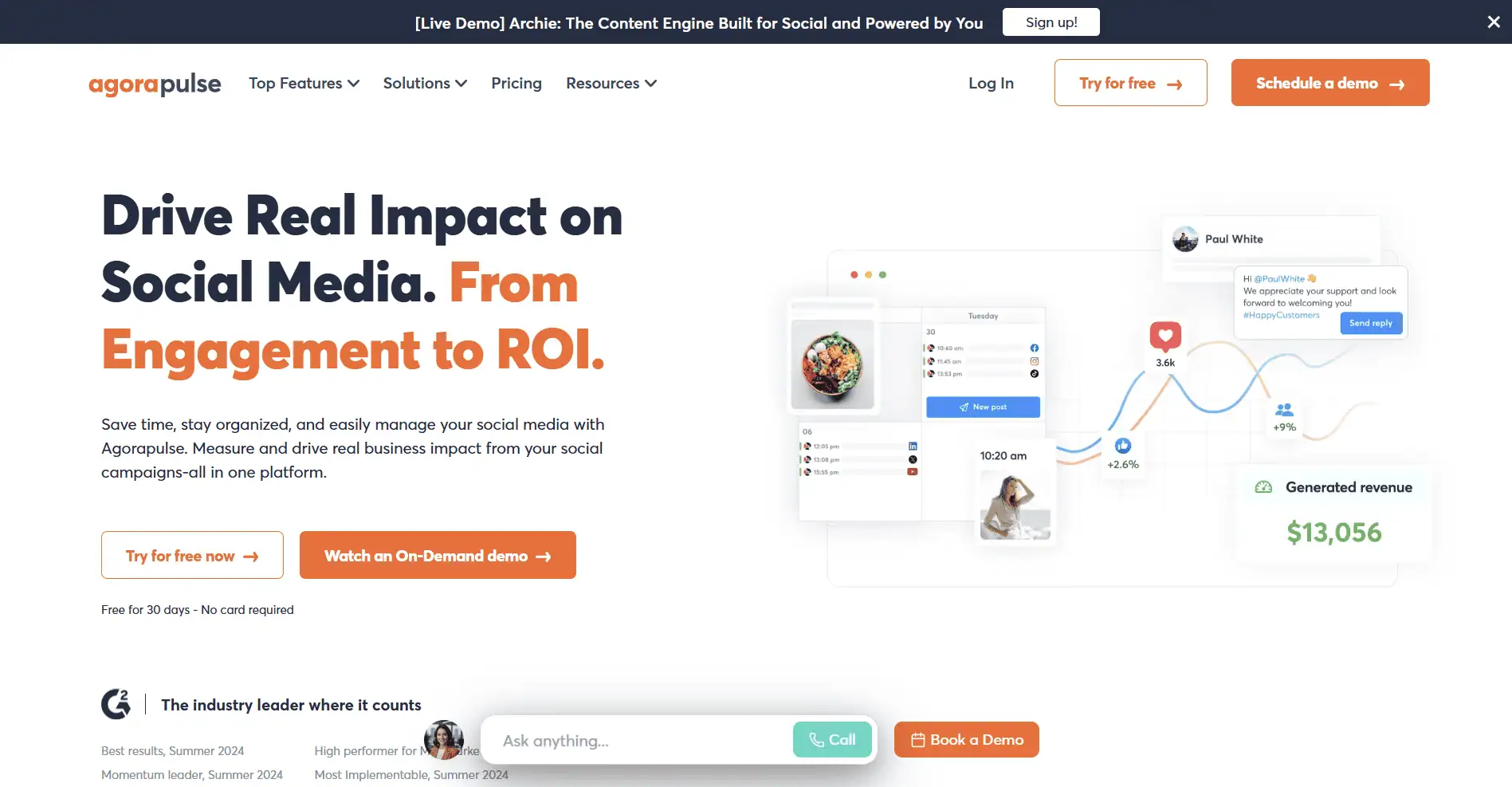
Agorapulse is the tool I recommend when community management, not just scheduling, is a core part of the job. The unified inbox and the way it handles comment and message triage is the strongest in its price range. The Inbox Assistant can automatically label, assign, and respond to certain message types, which makes it possible to manage a high volume of incoming social interactions without things slipping through.
The ROI reporting is another feature that sets Agorapulse apart at the mid-market level. It connects social media activity to website traffic and conversions via Google Analytics integration, giving you a clearer picture of whether your social media work is producing business results. This kind of reporting is significantly harder to produce with tools that only track likes and impressions.
Pricing is per user rather than per channel, which means costs scale with team size rather than account count. For a two-person team managing ten accounts, this works out favourably. For a solo manager running the same ten accounts, you are paying the same amount as if you had two users, which makes the per-user model less efficient for solo operators.
Key Features
- Unified inbox: All comments, messages, mentions, and reviews from every connected platform in one stream with bulk actions, assignment, labelling, and response templates
- Inbox Assistant: Automated rules that label, assign, or respond to incoming messages based on keywords, sender history, or message type. Reduces manual triage significantly for high-volume accounts
- ROI reporting: Connects social performance to Google Analytics data, showing which social posts drove website traffic and conversions. Unusual for a mid-market tool and genuinely valuable for reporting
- Social listening: Monitor brand mentions and keyword conversations across social platforms. Included from Standard plan without a separate fee
- Publishing calendar: Visual content calendar with platform-specific preview, optimal post times, and queue management for planned content
- White-label reports: Branded PDF report generation for client presentations. Available from higher plans. Well-designed and customisable
- Competitor analysis: Track up to three competitor profiles per connected platform for benchmarking. Available from Professional plan
What I Liked
- Unified inbox with Inbox Assistant is the best community management feature in the mid-market category
- ROI reporting linking social to Google Analytics conversions is a meaningful differentiator
- Social listening is included at no extra charge, unlike tools that bolt it on as an expensive add-on
- 30-day free trial is one of the most generous evaluation periods available
What Frustrated Me
- Per-user pricing means a five-person team on the Standard plan pays $395 per month
- No AI caption generation or content creation features; purely a management and scheduling tool
- Visual content calendar is functional but less refined than Later or Loomly
- 10 social profile limit on most plans; agencies managing large portfolios will need a custom plan
Pricing (Verified May 2025)
| Plan | Price (billed annually) | Key Features at This Tier |
|---|---|---|
| Standard | $79/user/month (annual) | 10 social profiles, unlimited publishing, unified inbox, social listening, basic analytics, ROI reporting via Google Analytics, content approval |
| Professional | $99/user/month (annual) | 10 social profiles, all Standard features, Inbox Assistant, competitor analysis, white-label reports, advanced analytics, priority support |
| Advanced | $149/user/month (annual) | 10 social profiles, all Professional features, power reports, advanced competitor tracking, automated inbox rules, content tagging and labelling |
| Custom | Custom quote | More than 10 profiles, unlimited users, enterprise features, dedicated account management |
My Verdict
Agorapulse earns its place because no other tool at this price point handles community management as well. If your daily work involves responding to significant volumes of comments and messages, the Inbox Assistant alone saves enough time to justify the subscription cost. For teams whose primary need is scheduling with light engagement, the per-user pricing makes it expensive relative to tools like Buffer or Loomly.
SocialPilot
The most agency-optimised scheduling tool with client management and bulk posting built for scale
Best for: Digital marketing agencies, social media managers handling multiple clients, and resellers
SocialPilot was built with agencies in mind and it shows. The client management workflow, where each client gets their own dashboard accessible by a unique link without requiring a platform login, is one of the most practically useful features in any scheduling tool I have tested. Clients can review, comment on, and approve posts without needing their own SocialPilot account, which removes a common friction point in agency workflows.
The bulk scheduling functionality is well-implemented. You can upload up to 500 posts at once via CSV, with image and video attachments, and the system parses and schedules them across the appropriate accounts and dates. For agencies building out a month of content for multiple clients simultaneously, this kind of bulk processing is a genuine time saver.
SocialPilot also includes a white-label option where you can brand the platform with your own agency logo and custom domain, presenting it to clients as your own proprietary tool. This is available on higher plans and requires some setup but adds a professional dimension to client relationships that pure-scheduling tools do not offer.
Key Features
- Client management dashboard: Each client gets a shareable link to their own approval dashboard with no SocialPilot login required. Clients can approve, reject, and comment on posts from a simple interface
- Bulk scheduling (500 posts): Upload up to 500 posts at once via CSV, including images and videos. The largest bulk upload capacity of any tool on this list
- White-label option: Rebrand the platform with your agency’s logo, colours, and custom domain. Clients see your branded tool, not SocialPilot. Available on Agency Plus and Enterprise plans
- Content library: Centralised storage for approved images, videos, and copy that team members can access across any client account
- AI content creation: Caption generation, hashtag suggestions, and post idea generation powered by AI. Included from the Small Team plan onwards
- Analytics and reporting: Per-profile and per-post analytics with exportable reports. White-label PDF reports available on Agency plans
- Multi-network support: Facebook, Instagram, X, LinkedIn, Pinterest, TikTok, YouTube, Google Business Profile. Strong coverage without gaps for common agency client platforms
What I Liked
- Client management with no-login approval links removes a major friction point in agency workflows
- Bulk scheduling up to 500 posts at once is the highest capacity in the category
- White-label option gives agencies a professional, branded tool to present to clients
- Flat monthly pricing by team size rather than per user or per channel makes budgeting predictable
What Frustrated Me
- Analytics depth is adequate but not as strong as Metricool or Sprout Social at comparable price points
- White-label option requires Agency Plus plan at $100 per month minimum; not accessible on entry plans
- The interface is less visually polished than Later or Loomly
- AI content generation features are functional but not among the most sophisticated in the category
Pricing (Verified May 2025)
| Plan | Price (billed annually) | Key Features at This Tier |
|---|---|---|
| Professional | $30/month (annual) | 1 user, 10 social accounts, bulk scheduling (500 posts), content calendar, basic analytics, client management links, AI content tools |
| Small Team | $50/month (annual) | 3 users, 20 social accounts, all Professional features, team collaboration, AI content generation, approval workflows, advanced analytics |
| Agency | $100/month (annual) | 6 users, 30 social accounts, all Small Team features, white-label PDF reports, 6 client accounts |
| Agency Plus | $200/month (annual) | Unlimited users, 50 social accounts, everything in Agency, white-label platform, custom domain, premium support |
My Verdict
SocialPilot is the tool I would choose if I were running a digital marketing agency managing content for ten or more clients. The client approval workflow genuinely removes a significant amount of email back-and-forth, and the bulk scheduling capacity handles the volume that agency content production demands. For solo users or small in-house teams, the features skew toward agency use cases that they may not need.
How to Choose the Right Social Media Scheduling Tool
The tool that is right for your situation depends more on how your team works than on which platform has the longest feature list. Here is a practical guide:
If you are a solo creator or very small business
- Start with Buffer’s free plan (3 channels, 10 posts in queue per channel) and upgrade to Essentials when you need more
- Metricool’s free plan is worth setting up alongside Buffer if competitor tracking is valuable to you
- Later is the better choice if Instagram is your primary platform and the visual grid planner would meaningfully improve your workflow
If you are a growing team or in-house marketing department
- Loomly is the clearest recommendation if content needs to go through approval before publishing
- Buffer Team plan offers the most cost-efficient collaboration model for teams managing up to 15 to 20 accounts
- SocialBee is worth evaluating if you have a significant evergreen content library that is not being actively recycled
- Later Growth or Advanced is right for visual-first brands where Instagram and TikTok are the primary channels
If you are an agency managing multiple clients
- SocialPilot is built for this workflow; the client approval links and bulk scheduling capacity are genuinely agency-optimised
- Agorapulse is better if community management and inbox handling are as important as scheduling
- Hootsuite is justified for larger agencies where social listening and enterprise integrations are requirements, not optional extras
If analytics are a top priority
- Metricool at $22 per month gives you competitor tracking and ad management that other tools charge far more for
- Sprout Social is the premium option if you need the deepest analytics, review management, and CRM integration
- Agorapulse’s ROI reporting connecting social to Google Analytics conversions is a useful mid-market option
Frequently Asked Questions About Social Media Scheduling Tool
Buffer and Metricool both offer genuinely useful free plans. Buffer’s free tier supports three channels with up to ten scheduled posts per channel in the queue at a time. Metricool’s free plan covers one brand with 50 scheduled posts per month and includes analytics access, which is unusual. For light use or initial evaluation, both are worth starting with before committing to a paid plan.
One is usually enough for scheduling. The complexity of maintaining multiple tools outweighs the benefits for most teams. Where people legitimately use more than one tool is when combining a generalist scheduler like Buffer with a specialist analytics tool like Metricool, or combining a scheduling tool with a separate design tool like Canva. For pure scheduling across platforms, one tool handled well beats two tools used inconsistently.
Scheduling tools focus primarily on planning and publishing content in advance. Management tools typically add engagement features (unified inbox for comments and messages), analytics, and sometimes social listening and competitor tracking. The lines have blurred significantly; most scheduling tools now include management features and most management tools include scheduling. The distinction is mainly about which capability is more central to the tool’s design.
Most major tools now support TikTok scheduling, but the feature set is more limited than for Instagram or Facebook due to TikTok’s API restrictions. Later, Buffer, Hootsuite, Metricool, Publer, SocialBee, and SocialPilot all support TikTok publishing. Scheduling Reels, Stories, and Carousels on Instagram is similarly supported across most tools, though some formats require a mobile notification for manual posting depending on the platform’s API.
For a solo creator or small business managing two to five accounts: a free plan from Buffer or Metricool covers most needs, or a paid plan in the $12 to $30 per month range from Publer or SocialBee. For a small team managing ten to twenty accounts: $30 to $100 per month covers the mid-market tools well, with Later, Loomly, and SocialPilot all competitive at this range. For agencies or enterprise teams: $99 per user per month and above for Hootsuite, Agorapulse, or Sprout Social is justified when the feature depth (listening, ROI reporting, advanced inbox) is actually used.
Yes, but with limitations. Stories can be scheduled for automatic publishing on most major tools including Buffer, Later, Hootsuite, and SocialPilot. Reels scheduling is supported on most platforms for automatic publishing. Some tools, particularly for certain content types or older API integrations, still use a mobile push notification that reminds you to post manually rather than publishing automatically. Check the specific platform and content format in the tool’s documentation before relying on automatic publishing for Stories or Reels in time-sensitive campaigns.