I have been working in digital marketing long enough to remember when keyword research meant a spreadsheet and a Google AdWords account. The tools available today are genuinely extraordinary by comparison, and choosing the wrong ones can waste more of your budget and time than having no tools at all.
Over the past few months, I tested every tool on this list with real projects: an e-commerce client with 40,000 pages, a B2B SaaS startup building from zero, a local service business, and this publication’s own content operation. I looked at what each tool actually tells you, how fast it tells you, and whether the data is reliable enough to act on.
This is not a list of tools that I think sound impressive. It is the list I would give to a marketer asking where to spend their SEO software budget and why.
Key Takeaways
- Semrush and Ahrefs are the two most comprehensive all-in-one SEO platforms. Which one you choose depends on whether content marketing or backlink research is your primary need.
- Google Search Console is the one non-negotiable free tool every website must have configured from day one.
- Screaming Frog is the most cost-effective technical SEO investment at $259 per year; nothing else at that price comes close for site auditing.
- Mangools is the best option for small teams and solo marketers who want solid data without paying for enterprise-level tools.
- Surfer SEO is the right content optimisation tool if you are serious about on-page SEO; it is not a substitute for a full SEO platform.
- SE Ranking is the best value all-in-one platform for agencies managing multiple clients at a price point below Ahrefs and Semrush.
- Most top SEO tools now include AI-powered features and LLM visibility tracking, reflecting how much search has changed.
What Are SEO Tools?
How I Evaluated These Tools
I applied the same framework across every tool on this list:
- Data reliability: how accurate are the keyword volumes, rankings, and backlink counts compared to actual Google data?
- Depth of features: Does the tool cover keyword research, rank tracking, technical auditing, and competitor research, or only one of these?
- Ease of use: how long does it take a new user to get genuinely useful output without extensive configuration?
- Value for money: Is the pricing justified by what the tool delivers compared to alternatives at the same price point?
- How current the data is: some tools refresh their indexes more frequently than others, which matters enormously for backlink analysis and rank tracking
Quick Comparison: All 10 SEO Tools at a Glance
| Tool | Starting Price | Free Plan/Trial | Strongest Feature | All-in-One? | Best For |
|---|---|---|---|---|---|
| Semrush | $117.33/mo | 7-day free trial | Comprehensive coverage | Yes | Agencies and content teams |
| Ahrefs | $108/mo | $29/mo Starter | Backlink research | Yes | Link builders and SEOs |
| Google Search Console | Free | Free always | First-party Google data | Own site only | Every website, non-negotiable |
| Screaming Frog | $259/year | Free (500 URLs) | Technical SEO auditing | Technical only | Technical SEO audits |
| Moz Pro | $79/mo | 7-day free trial | Domain Authority data | Yes | Beginners and DA-centric teams |
| SE Ranking | $52/mo | 14-day free trial | Agency workflow value | Yes | Agencies on a budget |
| Mangools | $29.90/mo | Free (permanent tier) | Ease of use | Yes (5 tools) | Solo marketers and small teams |
| Surfer SEO | $79/mo | No trial | Content optimisation | Content only | Content writers and teams |
| Ubersuggest | $29/mo | Free tier available | Budget accessibility | Yes (basic) | Beginners and small businesses |
| Google Analytics 4 | Free | Free always | Traffic and conversions | Analytics only | Every website, non-negotiable |
The 10 Best SEO Tools for Digital Marketers
Semrush
The most comprehensive all-in-one SEO and digital marketing platform available
Best for: Digital marketing agencies, in-house SEO teams, and content marketers who need one platform for everything
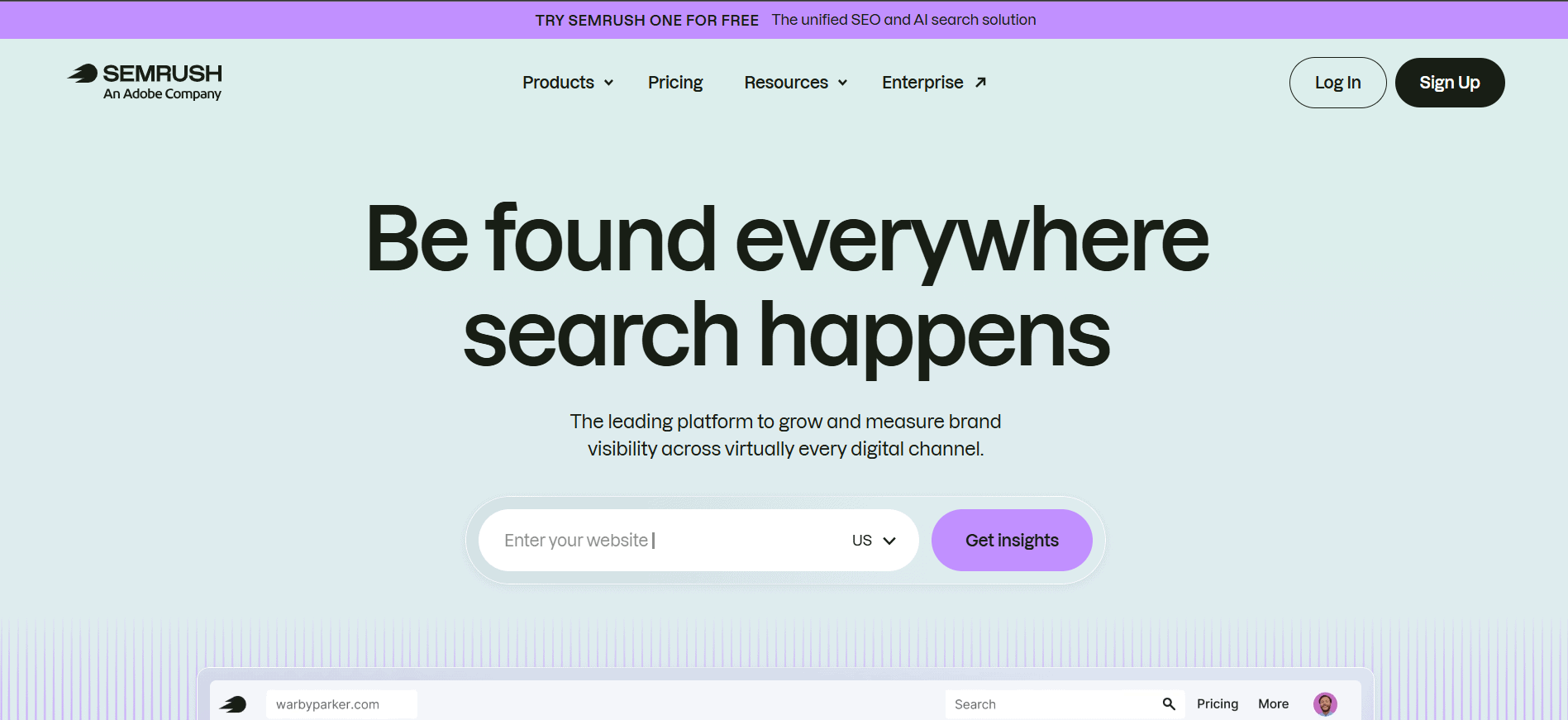
Semrush is the tool I recommend most often to teams that want a single platform to cover their entire SEO and content marketing workflow. The breadth is genuinely impressive: keyword research, competitor analysis, rank tracking, site auditing, content optimisation, social media management, PPC intelligence, and local SEO all sit under one roof.
The keyword database is one of the largest in the industry, and the Position Tracking tool provides daily rank updates across desktop and mobile devices. The Site Audit tool identifies technical issues in a genuinely actionable format, not just a list of errors that a developer has to interpret.
In 2025, Semrush launched its Semrush One bundle, which combines the core SEO Classic plans with a new AI Visibility toolkit for tracking brand and content presence across ChatGPT, Gemini, and other AI platforms. If that is relevant to your work, the bundle offers better value than buying the two products separately.
Key Features
- Keyword Magic Tool: Access to over 26 billion keywords across 142 databases. Filter by intent, difficulty, volume, SERP features, and more
- Position Tracking: Daily rank updates for up to 500 keywords on Pro, tracking both desktop and mobile results across any location or device
- Site Audit: Crawls up to 100,000 pages on Pro and identifies technical issues by priority, with clear explanations of each problem and how to fix it
- Competitor research: Domain Overview, Traffic Analytics, and Gap Analysis tools show exactly what is driving competitor traffic and where your opportunities lie
- Content Marketing Toolkit: Topic research, SEO Writing Assistant, Post Tracking, and Content Audit. Available from the Guru plan onwards
- Backlink Analytics: Backlink database with over 43 trillion links, including toxic score analysis and Link Building Tool for outreach management
- AI Visibility (Semrush One): Tracks brand and content mentions across ChatGPT, Gemini, Perplexity, and Google AI Overviews. Available as an add-on or via Semrush One bundle
What I Liked
- The most complete feature set of any single SEO platform I tested
- Keyword database is enormous; rarely find a query that returns no data
- The Position Tracking and Site Audit tools are best-in-class in their respective categories
- 7-day free trial makes it easy to properly evaluate before committing
What Frustrated Me
- Pricing is the highest entry point of any all-in-one tool at $139.95 per month for Pro
- Content Marketing Toolkit is locked behind Guru plan; many teams end up needing it
- The volume of features can be overwhelming; there is a real onboarding investment required
- Local SEO and Social Media add-ons cost extra on top of the base subscription
Pricing (Verified May 2025)
| Plan | Price (billed annually) | Key Features at This Tier |
|---|---|---|
| Pro | $117.33/month | 5 projects, 500 tracked keywords, 10,000 results per report, 100,000-page audit, competitor analysis, keyword research, and domain overview. No Content Marketing Toolkit, no historical data |
| Guru | $208.33/month | 15 projects, 1,500 tracked keywords, 30,000 results per report, 300,000-page audit, Content Marketing Toolkit, historical data, branded reports, multi-location tracking |
| Business | $416.66/month | 40 projects, 5,000 tracked keywords, 50,000 results per report, 1,000,000-page audit, API access, Share of Voice, white-label reports, extended limits on all tools |
| Semrush One (bundle) | From $199/month | SEO Classic features combined with the AI Visibility toolkit across ChatGPT, Gemini, and Perplexity. Saves money vs buying separately if AI visibility matters to your work |
My Verdict
Semrush is the right choice when you want the most complete picture of your SEO and content marketing landscape from a single tool. The Pro plan covers most single-site needs well. Teams managing multiple clients or producing content at scale will benefit from Guru. The price is high, but the breadth of what you get is genuinely unmatched.
Ahrefs
The most powerful backlink and link-building research platform in the category
Best for: SEO professionals, link builders, and anyone whose work centres on backlink analysis and competitor research
Ahrefs is where I go first when I need to understand a competitor’s link profile or find link-building opportunities at scale. The backlink database is the most comprehensive available, updating more frequently than most alternatives, and the way it presents link data makes competitive analysis genuinely fast to execute.
In 2025, Ahrefs introduced a credit-based system that replaced the previous usage model. Every search in Site Explorer or Keywords Explorer now costs credits, and the monthly allotment depends on your plan. This change frustrated a lot of existing users because it makes it harder to predict exactly how much you can do in a given month. That said, for the workflows I use most, the credit limits on the Lite plan cover a productive month of research.
One important change from previous years: Ahrefs added a $29 per month Starter plan, which gives limited access to Site Explorer and Keywords Explorer. It is not suitable as a professional research tool, but it is genuinely useful for validating whether Ahrefs fits your workflow before committing to Lite at $129.
Key Features
- Site Explorer: Analyse any domain or URL’s backlink profile, organic keywords, top pages, and competitor landscape. The most detailed backlink view in the category
- Keywords Explorer: Keyword research across Google, Bing, YouTube, Amazon, and other platforms with click data that helps distinguish high-traffic keywords from high-value ones
- Site Audit: Technical SEO crawler that identifies and prioritises issues across your site. Results presented with clear severity ratings and fix guidance
- Rank Tracker: Daily keyword ranking updates across desktop and mobile. Track up to 750 keywords on Lite, with historical data going back up to 6 months on that plan
- Content Explorer: Find link-worthy content in any niche, discover content ideas, and identify potential outreach targets. Available from the Standard plan onwards
- Ahrefs Webmaster Tools (free): Limited but genuine access to Site Explorer and Site Audit data for your own verified domains. No competitor research, but valuable for monitoring your own site at no cost
What I Liked
- The backlink database is the most complete and freshest of any tool I tested
- Site Explorer presents competitor data in a way that makes analysis fast and intuitive
- Keywords Explorer’s click data is a differentiator not found in most competing tools
- Ahrefs Webmaster Tools gives free access to genuine data for your own site
What Frustrated Me
- The credit-based system makes usage less predictable than the previous model
- Content Explorer is locked behind Standard ($249/month), making Lite frustrating for link-building workflows
- No free trial as of this writing; the Starter plan at $29 is the lowest-risk entry point
- API access requires the Enterprise plan at $14,990 per year; not accessible to most smaller teams
Pricing (Verified May 2025)
| Plan | Price (billed annually) | Key Features at This Tier |
|---|---|---|
| Starter | $29/month (monthly only) | 1 project, 100 credits per month, basic Site Explorer and Keywords Explorer access. No rank tracking, no site audit, no Content Explorer. Useful for evaluation only |
| Lite | $108/month (annual) | 5 projects, 750 tracked keywords, Site Explorer, Keywords Explorer, Site Audit, Rank Tracker, 500 crawl credits per month, 6 months of historical data. No Content Explorer |
| Standard | $208/month (annual) | 20 projects, 2,000 tracked keywords, Content Explorer, 6 months history, 1,500 crawl credits per month, SERP history, keyword lists, broken link checker |
| Advanced | $374/month (annual) | 50 projects, 5,000 tracked keywords, 3 user seats, advanced reports, Web Explorer, 5,000 crawl credits, 2 years of history, Looker Studio connector |
| Enterprise | From $14,990/year | 100 projects, unlimited user seats, full API access, custom credit limits, SSO, audit log, priority support. Designed for large agencies and in-house enterprise teams |
My Verdict
Ahrefs is the tool I would choose if backlink research and competitor intelligence are the core of my SEO workflow. The Lite plan covers most individual and small agency needs. If you do significant link-building prospecting, you need the Standard for Content Explorer. The credit system takes some getting used to, but the quality of the data makes it worth the learning curve.
Google Search Console
The one free SEO tool every website must have; there is no acceptable reason not to use it
Best for: Every website owner, marketer, blogger, and developer without exception
Google Search Console is free, comes directly from Google, and gives you data you cannot get anywhere else: exactly which queries are generating impressions and clicks on your pages, as Google sees them. No third-party tool can replicate this because no third-party tool has access to Google’s actual search index data.
I set this up for every new client before anything else. The Performance report alone tells you which keywords you are already ranking for, where you are appearing without getting clicks, and which pages have the highest potential for quick improvement. The Coverage and Core Web Vitals reports surface technical issues directly from Google’s own assessment of your site.
The limitations are real. GSC does not show competitor data. It aggregates keyword impressions at the page level, which means individual keyword-level data requires additional tools. And the impression and click data is delayed by 24 to 72 hours. But for understanding your own site’s search performance from the source that matters most, nothing comes close.
Key Features
- Performance Report: Queries, clicks, impressions, average position, and click-through rate for every page and keyword on your site, directly from Google
- URL Inspection Tool: Check whether a specific URL is indexed, how Google last crawled it, and whether issues are preventing it from appearing in search
- Coverage Report: See which pages are indexed and which are excluded, with specific error types and recommendations for each issue
- Core Web Vitals Report: Google’s own assessment of your page experience metrics across mobile and desktop, directly from the CrUX data used for ranking
- Index Coverage and Sitemaps: Submit XML sitemaps, monitor crawl coverage, and identify pages that should be indexed but are not
- Manual Actions and Security: If Google has penalised your site or detected malware, you will see it here first
What I Liked
- Completely free; there is no paid tier and no usage limit
- First-party data directly from Google; no estimation or modelling involved
- Core Web Vitals data comes from actual user experience data, not simulated tests
- URL Inspection gives genuine insight into how Google views and crawls individual pages
What Frustrated Me
- No competitor data of any kind; purely limited to your own domain
- Data is delayed by 24 to 72 hours; not suitable for real-time monitoring
- Keyword data is aggregated and sampled; exact individual keyword volumes require supplementary tools
- The interface is functional but not particularly modern; some reports are difficult to navigate
Pricing (Verified May 2025)
| Plan | Price | Key Features at This Tier |
|---|---|---|
| Free | Free, no limits | Performance data, URL inspection, coverage reports, Core Web Vitals, sitemap submission, manual actions, link reports, experience reports, and index monitoring. All features included at no cost |
My Verdict
Google Search Console is non-negotiable. It should be the first thing configured on any new website and the first place you check when a ranking unexpectedly changes. Every other tool on this list provides more features, but none provides data this accurate for your own site’s search performance.
Screaming Frog SEO Spider
The most thorough technical SEO auditing tool available at any price
Best for: SEO professionals, developers, and agencies performing detailed technical audits
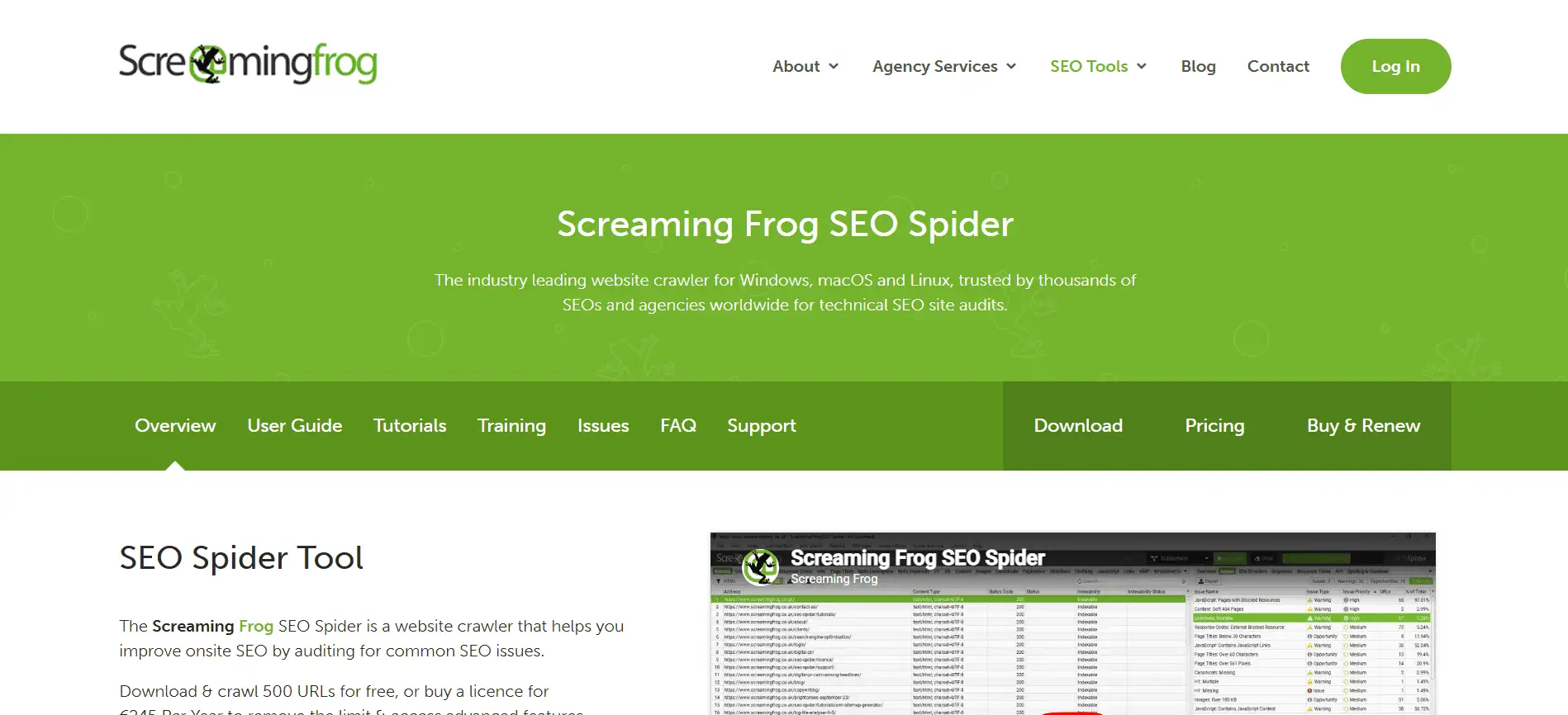
Screaming Frog is a desktop application that crawls your website the way search engine bots do. It surfaces every technical issue that might prevent pages from ranking: broken links, redirect chains, missing meta tags, duplicate content, slow pages, canonical errors, JavaScript rendering problems, and far more.
I use it on every new client engagement before touching anything else. A full site crawl through Screaming Frog tells me more about a site’s technical health in two hours than a week of manual review. The level of detail it provides at $259 per year is genuinely remarkable. Nothing else at that price point comes close.
The main limitation is that it is a desktop tool, which means you need to run it from your own machine, and the speed of the crawl depends on your internet connection and hardware. For very large sites with hundreds of thousands of pages, the crawl can take several hours. For most sites, it is fast, and the output is immediately actionable.
Key Features
- Full site crawl: Crawl any website and retrieve all on-page elements, including title tags, meta descriptions, headings, canonicals, hreflang, status codes, response times, and more
- Broken link detection: Identify all internal and external broken links and server errors with the source URLs, making fixing them straightforward
- Redirect analysis: Map and visualise redirect chains and loops, identifying unnecessary redirects that waste crawl budget and lose link equity
- JavaScript rendering: Render JavaScript in the crawl to identify content and links that are only visible to search engines after rendering. Essential for modern SPAs and React/Vue sites
- Custom extraction: Extract any data from page HTML using CSS selectors, XPath, or regex. Useful for auditing specific structured data, custom attributes, or proprietary CMS fields
- Google Analytics and Search Console integration: Enrich crawl data with traffic and performance metrics from GA4 and GSC, connecting technical issues to their business impact
- XML sitemap generation: Generate accurate XML sitemaps from your crawl data, including or excluding pages based on custom rules
What I Liked
- At $259 per year, it is the most cost-effective professional technical SEO tool available
- The depth of technical data produced is unmatched by any cloud-based alternative at this price
- JavaScript rendering lets you audit modern web applications that rely on client-side rendering
- Custom extraction makes it genuinely flexible for advanced auditing scenarios
What Frustrated Me
- Desktop-only; no cloud version or team collaboration features for shared audit access
- Performance depends on your machine and connection; large sites can take hours to crawl
- The interface is dense and not particularly welcoming to SEO beginners
- No ongoing rank tracking, keyword research, or backlink analysis
Pricing (Verified May 2025)
| Plan | Price | Key Features at This Tier |
|---|---|---|
| Free | Free | Crawls up to 500 URLs per crawl. Full feature access but strictly limited to 500 pages. Useful for small sites and initial exploration |
| Paid License | $259/year | Unlimited URL crawls, JavaScript rendering, scheduled crawls, API access, Google Analytics and Search Console integration, custom extraction, crawl comparison, and advanced configuration |
My Verdict
Screaming Frog is the single best value investment in technical SEO. If you run client audits or manage sites at any significant scale, this is genuinely essential. The learning curve is real but worth it. At $259 per year, the return on that investment becomes clear the first time you find a sitewide canonical error that was quietly causing a rankings drop.
Moz Pro
The original SEO platform is particularly strong for Domain Authority data and beginner-friendly workflows
Best for: Beginners, small businesses, and teams whose reporting uses Domain Authority as a standard metric
Moz created Domain Authority in 2004, and it has become one of the most widely referenced metrics in SEO, appearing in client reports, agency pitches, and content strategies across the industry. If your workflow or your clients already use DA as a benchmark, Moz Pro is the tool that provides that data natively and most accurately.
In my testing, Moz Pro performed well on the tasks it is specifically designed for: rank tracking, on-page auditing, and backlink analysis. The interface is cleaner and more approachable than Semrush or Ahrefs, which makes it a good choice for teams new to SEO tools or marketers who do not use these platforms daily.
Moz falls short relative to Ahrefs and Semrush in backlink database depth and keyword data volume. The Moz link index is solid but smaller. For agencies where backlink research is central, Ahrefs will serve you better. For teams that want a reliable, well-organised SEO toolkit that is easier to navigate, Moz Pro holds up well.
Key Features
- Keyword Explorer: Keyword research with volume, difficulty, organic CTR, and Priority scores. Shows SERP features and related questions. Good data quality for Google-focused research
- Rank Tracker: Daily keyword position tracking across desktop and mobile with historical data, competitor tracking, and scheduled email reports
- Site Crawl: Technical site audit that identifies issues across crawlability, indexability, on-page factors, and site architecture, with severity scoring
- Link Explorer: Backlink analysis tool with Domain Authority and Page Authority scores, spam score, anchor text distribution, and link growth tracking
- MozBar: Free Chrome extension that shows DA, PA, and backlink data for any site directly in the browser. Useful for quick competitive assessments without opening the full platform
- On-Page Grader: Analyse individual pages against a target keyword and receive prioritised recommendations for improving on-page optimisation
- Brand Authority Score: A newer metric that benchmarks brand-level authority beyond individual page metrics. Included in the Standard plan
What I Liked
- Domain Authority is the most widely recognised metric in the industry; Moz owns it
- Interface is significantly more approachable for new users than Ahrefs or Semrush
- 7-day free trial allows proper evaluation before committing to a paid plan
- MozBar Chrome extension provides immediate competitive data without opening the platform
What Frustrated Me
- The backlink database is smaller and refreshed less frequently than Ahrefs
- Keyword database depth does not match Semrush at equivalent price points
- Content Marketing features are limited compared to Semrush’s Content Marketing Toolkit
- The standard plan at $99 per month is less competitive on features vs SE Ranking at a similar price
Pricing (Verified May 2025)
| Plan | Price (billed annually) | Key Features at This Tier |
|---|---|---|
| Starter | $49/month (annual) | 1 user, 1 tracked site, 50 tracked keywords, 100,000 pages crawled per month, MozBar Premium, basic Keyword Explorer, On-Page Grader |
| Standard | $79/month (annual) | 1 user, 3 tracked sites, 300 tracked keywords, 400,000 pages crawled per month, full Link Explorer, Brand Authority Score, custom reports |
| Medium | $143/month (annual) | 2 users, 10 tracked sites, 1,500 tracked keywords, 2,000,000 pages crawled per month, AI Visibility beta, branded reports, report templates |
| Large | $239/month (annual) | 3 users, 25 tracked sites, 3,000 tracked keywords, 5,000,000 pages crawled per month, all features from Medium, highest limits across all tools |
My Verdict
Moz Pro earns its place because Domain Authority remains the industry’s most commonly referenced authority metric. If your clients understand DA and expect it in reports, Moz is the natural tool. For pure SEO capability at the Standard price point, SE Ranking or Ahrefs Lite offer more for the money. For teams new to SEO tools, the interface genuinely reduces the learning curve.
SE Ranking
The best value all-in-one SEO platform for agencies managing multiple clients
Best for: Digital marketing agencies, freelancers, and teams that need comprehensive features at a price below Semrush and Ahrefs
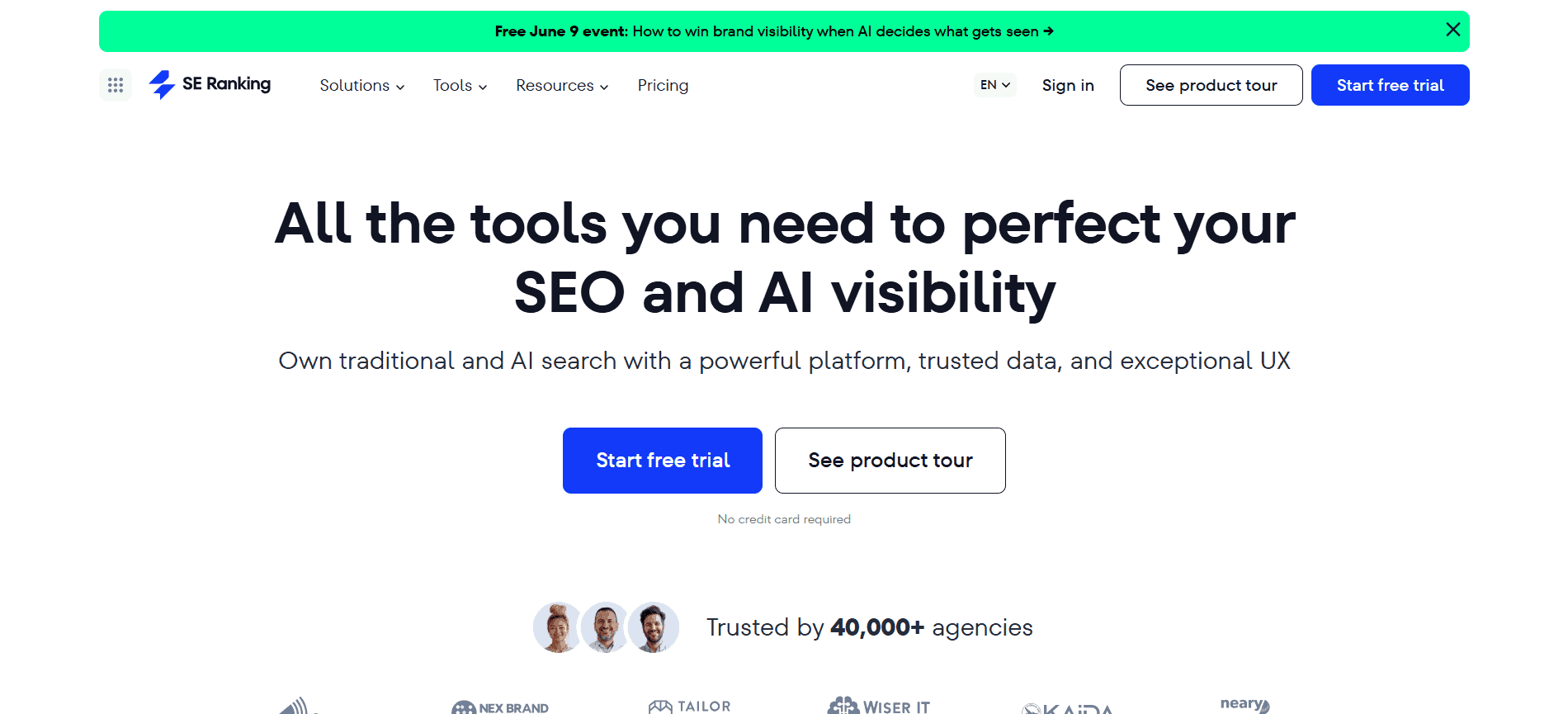
SE Ranking has become one of my most-used tools over the past year, specifically because it offers a comprehensive feature set at a price point that makes it accessible for agencies that cannot justify Semrush or Ahrefs for every client account.
The rank tracking is reliable and accurate. The site audit is thorough. The backlink analysis is sufficient for most agency workflows, though not as deep as Ahrefs for competitive link research. The white-label reporting on the business plan is genuinely well-designed, and the kind of feature agencies actually use daily.
One important note: SE Ranking updated its pricing and plan structure in early 2025, moving from a flexible keyword-based model to a more standardised three-tier structure. Pricing varies between sources as a result. The figures below reflect the Core and Growth plans that replaced the previous tier naming in some markets. Always verify current pricing on the official SE Ranking website before purchasing.
Key Features
- Rank Tracking: Daily keyword position monitoring across Google, Bing, Yahoo, and other search engines, with location-specific tracking at the city level
- Site Audit: Technical site crawler that identifies issues across on-page factors, crawlability, performance, and internal linking with prioritised recommendations
- Keyword Research: Research keywords with volume, difficulty, CPC, and competitor rankings. Keyword grouping and clustering tools help structure content strategy
- Backlink Analysis: Monitor backlinks to your site and analyse competitor link profiles. Not as deep as Ahrefs, but it covers most agency workflow needs
- Content Marketing Module (add-on): AI-powered content brief and optimisation tool available as an optional add-on. Generates outlines based on SERP analysis
- White-label Reports: Branded automated client reports with custom logos, colours, and scheduling. Included with the Agency Pack add-on
- AI Search Visibility (add-on): Tracks brand and content mentions across ChatGPT, Gemini, and Perplexity. Available as a separate add-on for teams tracking AI presence
What I Liked
- The most complete all-in-one feature set at a price below Ahrefs and Semrush
- White-label reporting is one of the best-designed agency reporting features I tested
- 14-day free trial with no credit card required gives proper evaluation time
- AI Search Visibility add-on is a forward-looking feature at a reasonable additional cost
What Frustrated Me
- Pricing has increased significantly over the past three years; some users report being caught off guard
- Keyword tracking limits scale across search engines, meaning 500 keywords on Google plus 500 on Bing counts as 1,000 against your allowance
- White-label reports require the Agency Pack add-on; not included in base plan pricing
- The platform has changed its plan structure recently; pricing information across the web is inconsistent
Pricing (Verified May 2025)
| Plan | Price (billed annually) | Key Features at This Tier |
|---|---|---|
| Essential (Core) | $52/month (annual) | 5 projects, 500 daily keyword tracking credits, 1 user, site audit up to 20,000 pages, 500 backlink monitors, keyword research, and basic reports. No white-label, no API |
| Pro | $95.20/month (annual) | 30 projects, 2,000 daily keyword tracking credits, 3 user seats, site audit up to 250,000 pages, 30,000 backlink monitors, white-label report templates available via Agency Pack add-on |
| Business | $207.20/month (annual) | Unlimited projects, 5,000 daily keyword tracking credits, 5 user seats, site audit up to 700,000 pages, full API access, priority support, white-label reporting via Agency Pack add-on |
My Verdict
SE Ranking is the tool I recommend for agencies that want comprehensive SEO functionality without Semrush or Ahrefs pricing. The Essential plan covers most solo consultant needs. The Pro plan with the Agency Pack add-on is where it becomes genuinely powerful for multi-client work. Always check the current pricing page before purchasing, as the plan structure has been evolving.
Mangools
The most user-friendly and affordable SEO toolkit for individuals and small teams
Best for: Solo marketers, bloggers, small business owners, and anyone who needs clean data without enterprise complexity
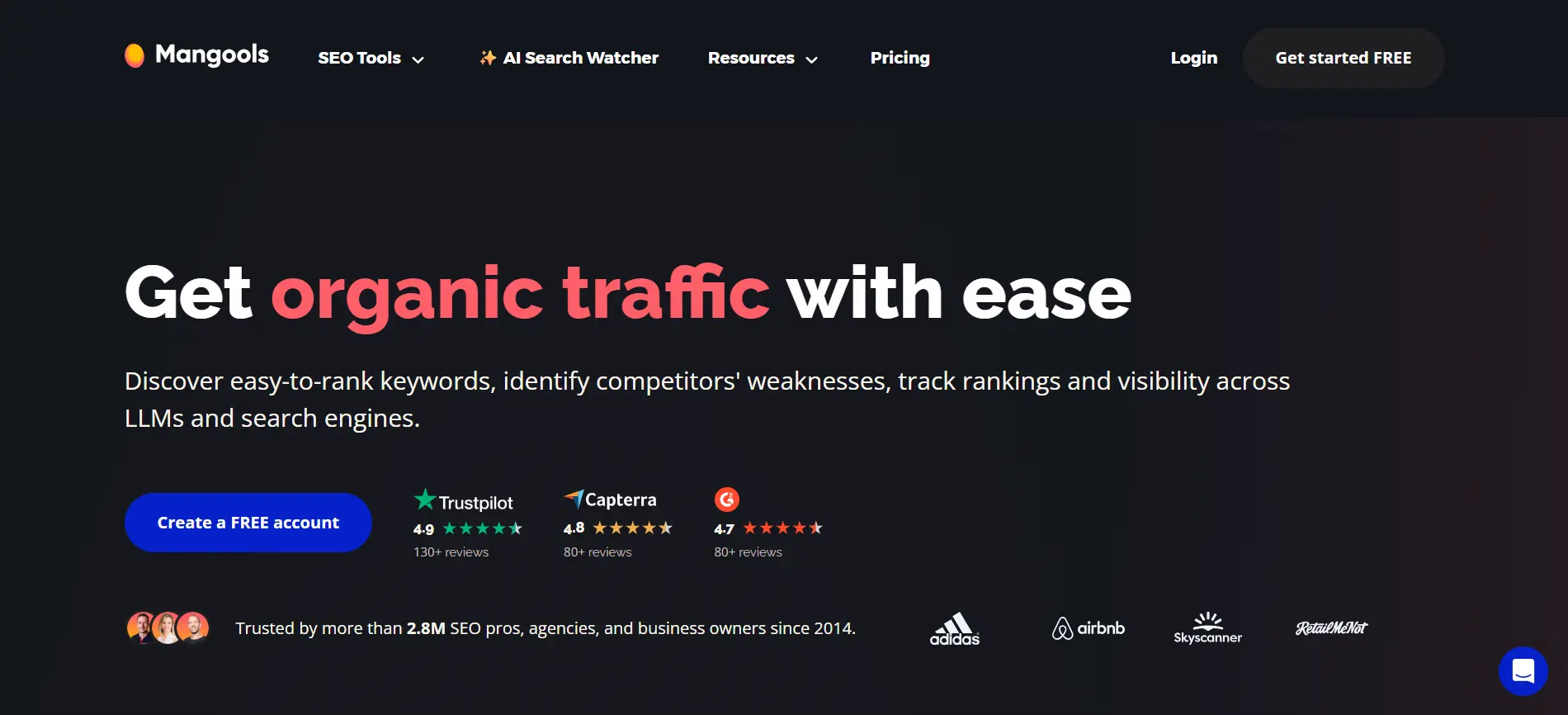
Mangools is the tool I recommend when someone is new to SEO tools and wants something they can use productively from the first session. The interface across all five tools is genuinely clean, and the data quality is higher than you would expect at this price point.
The five tools in the Mangools suite each have a specific purpose: KWFinder for keyword research, SERPChecker for SERP analysis, SERPWatcher for rank tracking, LinkMiner for backlink research, and SiteProfiler for domain authority. They work together in a coherent workflow without the sprawl of a platform like Semrush.
In 2025, Mangools added AI Search Watcher, which monitors how brands and content are referenced across LLM-based search engines, including ChatGPT, Gemini, Claude, Grok, and Mistral. This is a meaningful addition for the market Mangools serves and one of the few tools at this price point that includes this kind of forward-looking tracking.
Key Features
- KWFinder: Long-tail keyword research with search volumes, keyword difficulty scores, trend data, and SERP preview. One of the cleanest interfaces for keyword research available
- SERPChecker: Analyse the top results for any keyword with 45 SEO metrics per result, including authority scores, backlink counts, and on-page factors
- SERPWatcher: Rank tracking with daily updates, location-specific tracking, interactive graphs, and the Dominance Index metric that shows overall keyword visibility
- LinkMiner: Backlink analysis tool that identifies links to any domain with authority metrics, anchor text, and link status
- SiteProfiler: Domain authority analysis tool that aggregates metrics from multiple sources and provides a quick competitive overview of any website
- AI Search Watcher: Monitors brand and content mentions across ChatGPT, Gemini, Claude, Grok, Llama, and Mistral. A genuinely useful addition for tracking LLM-based visibility
What I Liked
- The cleanest and most intuitive interface of any SEO tool I tested; new users are productive quickly
- All five tools plus AI Search Watcher are included in every paid plan with no per-feature gating
- Keyword difficulty scores are well-calibrated and more reliable than some more expensive alternatives
- Annual billing provides aggressive discounts, making the effective monthly cost very competitive
What Frustrated Me
- Daily limits on searches and lookups can feel restrictive compared to enterprise tools
- The backlink database is smaller than Ahrefs; not suitable for deep competitive link research
- No content marketing or on-page optimisation features beyond SERP analysis
- Site audit functionality is limited compared to Screaming Frog or Semrush’s audit tool
Pricing (Verified May 2025)
| Plan | Price (billed annually) | Key Features at This Tier |
|---|---|---|
| Free | Free (permanent) | 5 KWFinder lookups per month, 25 keyword suggestions per search, limited SERPChecker and SERPWatcher access. Sufficient for evaluating whether the tool fits your workflow |
| Basic | $29.90/month (annual) | 100 keyword lookups per day, 200 keyword suggestions per lookup, 200 SERPChecker searches per month, 200 tracked keywords, 1,000 backlink rows per search, 1 user seat |
| Premium | $39.90/month (annual) | 500 keyword lookups per day, 700 keyword suggestions per lookup, 500 SERPChecker searches per month, 700 tracked keywords, 2,000 backlink rows per search, 3 user seats |
| Agency | $79.90/month (annual) | 1,200 keyword lookups per day, 700 keyword suggestions, 1,200 SERPChecker searches, 1,500 tracked keywords, 3,500 backlink rows, 10 user seats |
My Verdict
Mangools is the right tool when the budget is a real constraint or when the team does not use SEO tools daily. The Basic plan, at under $30 per month, gives genuine, actionable data for keyword research and rank tracking. For deep competitive analysis or large-scale auditing, you will eventually outgrow it. But as a starting point or a primary tool for a small content operation, it delivers excellent value.
Surfer SEO
The most focused content optimisation tool for writing pages that rank on Google
Best for: Content writers, content strategists, and SEO teams focused on improving on-page content quality
Surfer SEO does one thing: it analyses what the top-ranking pages for a keyword are doing on-page and translates that analysis into a score and specific recommendations for the content you are writing. It does not do keyword research at the same depth as Ahrefs or Semrush. It does not track backlinks or run technical audits. What it does, it does very well.
The Content Editor is the core feature. You write or paste content into the editor and receive a live score based on over 500 on-page factors, including keyword usage, content length, heading structure, and entity coverage. As the score improves, so does the alignment between your content and what Google currently rewards for that query.
My main caveat after extensive testing is that following Surfer’s recommendations too literally can produce content that feels keyword-heavy and mechanical. The tool reflects patterns in current top-ranking content, which can lead to overcrowding certain terms. Used as a guide rather than a strict brief, it is genuinely useful. Used as the sole arbiter of content quality, it sometimes produces content that ranks for a while before Google’s quality signals catch up.
Key Features
- Content Editor: Live scoring tool that evaluates your content against top-ranking pages as you write, covering keywords, structure, entities, length, and on-page factors
- SERP Analyser: Deep analysis of the top search results for any keyword, breaking down word counts, keyword frequencies, headings, backlinks, and page speed across competitors
- Keyword Research: Topic discovery and keyword clustering that groups related terms into content clusters for strategic planning
- Audit Tool: Analyses existing pages against current top-ranking content and identifies specific improvements to boost relevance for target keywords
- Content Planner: Generates content roadmaps organised by topic clusters, helping teams prioritise which articles to write next for maximum topical authority
- AI-assisted writing: Surfer AI generates optimised draft content based on SERP analysis. Available as an add-on credit package rather than bundled into base plans
What I Liked
- The Content Editor workflow genuinely improves on-page optimisation when used thoughtfully
- SERP Analyser gives deep competitive insight into why specific pages rank
- The content score provides a clear, actionable target for writers without deep SEO expertise
- Integrates directly with Google Docs and WordPress, fitting naturally into existing content workflows
What Frustrated Me
- Not a replacement for a full SEO platform; needs to be used alongside a keyword research tool
- Keyword research features are weaker than dedicated tools; depth and accuracy fall short of Ahrefs or Semrush
- Over-relying on the content score can produce keyword-heavy content that feels unnatural
- SERP Analyser is an add-on at $29 per month on the Essential plan, rather than being included
Pricing (Verified May 2025)
| Plan | Price (billed annually) | Key Features at This Tier |
|---|---|---|
| Essential | $79/month (annual) | 30 content editor credits per month, Content Editor, Keyword Research, Content Planner, Audit Tool, integrations with Google Docs and WordPress. SERP Analyser is a $29/month add-on |
| Scale | $175/month (annual) | 100 content editor credits per month, everything in Essential, SERP Analyser included, multi-editor access for teams, faster crawl and refresh for large sites |
| Enterprise | Custom quote | Custom content credit volume, dedicated account management, white-label reports, API access, custom integrations, personalised onboarding |
My Verdict
Surfer SEO is the right addition to your SEO stack when you are producing content at scale and want a data-driven framework for on-page optimisation. It should sit alongside, not replace, a full SEO platform like Ahrefs or Semrush. The Essential plan is a reasonable value if you are writing 20 to 30 optimised pieces per month. If you write more than that, Scale is necessary.
Ubersuggest
The best budget-friendly all-in-one option for beginners and small businesses on a tight budget
Best for: Beginners, solo business owners, and anyone who needs basic SEO data without a large monthly commitment
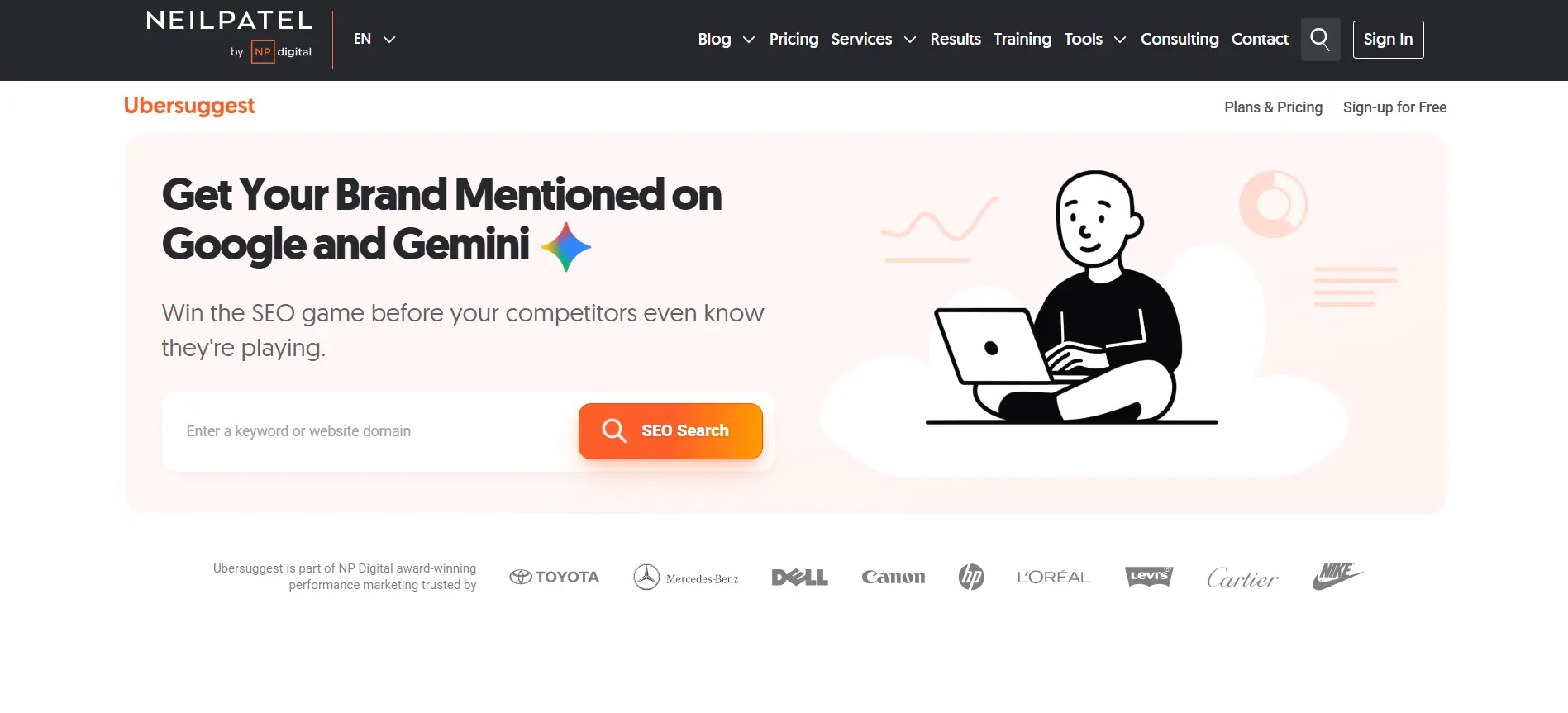
Ubersuggest was created by Neil Patel and has grown into a reasonably capable all-in-one SEO platform at a price point that makes it accessible for small businesses and individuals who cannot justify Ahrefs or Semrush pricing.
The free tier is genuinely one of the most useful in the category. You get three daily searches with keyword data, site audit results for your own domain, and competitor analysis. For a business owner checking in on their own site’s SEO health a few times a week, the free tier may cover everything they need.
The paid plans start at $29 per month, which, for an individual managing one or two sites, is affordable. There is also a lifetime access option at around $290 that a number of marketers find attractive for the long-term cost efficiency. My honest assessment is that the data quality is good enough for decision-making at the small business level, but it does not match Ahrefs or Semrush for professional SEO work.
Key Features
- Keyword Ideas: Generates keyword suggestions with search volume, SEO difficulty, paid difficulty, and CPC. Data is sourced from third-party providers and is generally reliable for planning content
- Site Audit: Technical site audit that identifies on-page issues, crawlability problems, and performance flags with prioritised recommendations
- Competitor Analysis: See a competitor’s top-ranking keywords, estimated traffic, and top pages. Useful for identifying content gaps and topic opportunities
- Rank Tracking: Track keyword rankings over time with weekly updates (daily updates available on higher plans)
- Backlink Analysis: View backlinks pointing to any domain with anchor text and authority data. Less comprehensive than Ahrefs, but functional for basic link profiling
- AI-powered content ideas: Suggest topics and content outlines based on keyword and competitor data. Part of the AI writing features added in recent updates
What I Liked
- The free tier is one of the most useful in the category for small business owners
- Lifetime access option at around $290 offers genuine long-term cost efficiency
- Interface is clean and approachable for users with limited SEO experience
- Covers keyword research, auditing, rank tracking, and backlinks in one affordable package
What Frustrated Me
- Data quality and database depth do not match Ahrefs, Semrush, or SE Ranking for professional work
- Rank tracking updates are weekly on the entry plan; daily tracking requires a higher tier
- The backlink database is smaller than premium alternatives; it misses links that Ahrefs would catch
- Support quality and response times are inconsistent based on user reports
Pricing (Verified May 2025)
| Plan | Price (billed annually) | Key Features at This Tier |
|---|---|---|
| Free | Free | 3 searches per day, keyword ideas with volume and difficulty, site audit for your own domain, competitor top pages, and basic backlink data. Limited but genuinely useful for basic monitoring |
| Individual | $29/month | 1 domain, 150 keyword searches per day, site audit with full recommendations, weekly rank tracking for 125 keywords, competitor keyword analysis, backlink data |
| Business | $49/month | 7 domains, 300 keyword searches per day, daily rank tracking for 150 keywords, AI content writer, priority support, advanced competitor analysis |
| Enterprise | $99/month | 15 domains, 900 keyword searches per day, daily rank tracking for 300 keywords, white-label reports, API access, dedicated account manager |
| Lifetime Access | From $290 one-time | Varies by tier; one-time payment with ongoing access. Worth evaluating if you plan to use the tool for two or more years |
My Verdict
Ubersuggest is the right starting point for business owners or beginners who want to understand their SEO without a large monthly investment. The free tier covers a surprising amount. When you outgrow it and need more accurate data, deeper backlink analysis, or proper competitor research at scale, you will need to move to SE Ranking, Ahrefs, or Semrush.
Google Analytics 4
The essential free tool for connecting SEO performance to actual business outcomes
Best for: Every website owner who wants to understand whether their SEO work is producing real results
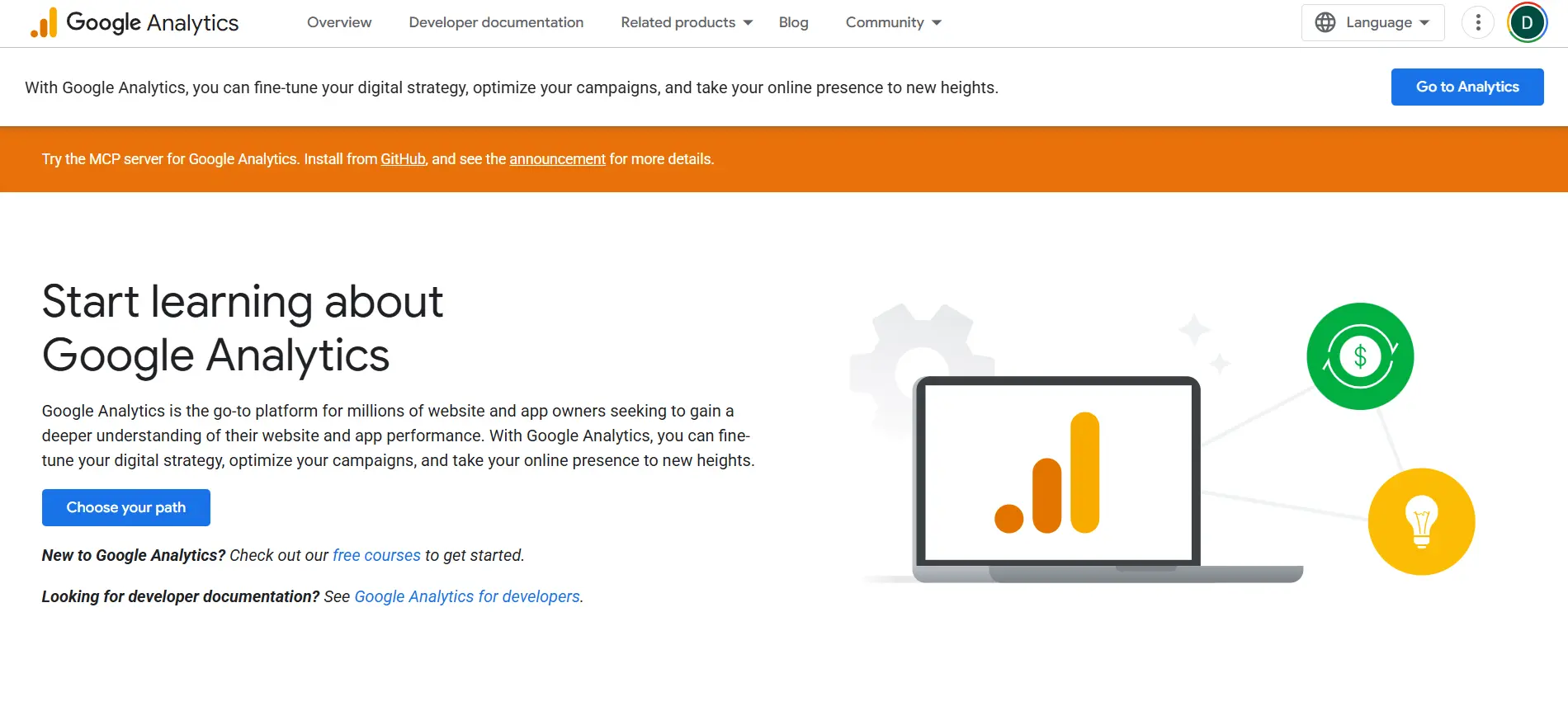
Google Analytics 4 is not traditionally categorised as an SEO tool, but I include it here because SEO without GA4 is incomplete. Knowing that you rank for a keyword is meaningless unless you know whether the traffic from that keyword is reaching your site, staying, and converting.
GA4 replaced Universal Analytics in July 2023 and is now the standard Google Analytics platform. The interface is a significant change from what most digital marketers grew up with, and the learning curve is genuinely steep. The underlying data model is more powerful, based on events rather than sessions, but extracting useful insights requires more configuration than the old platform.
When integrated with Google Search Console, GA4 shows exactly which organic search queries are bringing users to your site and what those users do after they arrive. This combination is the foundation of any evidence-based SEO programme.
Key Features
- Organic traffic reporting: See traffic volume, engagement rate, average session duration, and conversion events broken down by organic search channel
- Search Console integration: Connect GA4 with Google Search Console to see which queries are driving traffic alongside user behaviour data in the same interface
- Conversion tracking: Set up custom events and conversions to track goal completions from organic traffic, including leads, purchases, sign-ups, and phone calls
- Audience exploration: Understand the demographics, devices, and locations of your organic visitors to inform content strategy and targeting decisions
- Attribution modelling: Understand which channels contribute to conversions across multi-touch journeys, including organic search’s role in assisted conversions
- Looker Studio integration: Export GA4 data to Google’s free Looker Studio for custom dashboards combining SEO, traffic, and business performance data in client-ready reports
What I Liked
- Completely free; no limits on data volume or features
- First-party data directly from Google; as reliable as any analytics data gets
- Search Console integration connects ranking data to actual user behaviour in one place
- Looker Studio integration enables professional reporting without additional software
What Frustrated Me
- The GA4 interface is a significant departure from Universal Analytics; the learning curve is steep
- Data sampling affects accuracy on high-traffic sites; some reports require BigQuery export for unsampled data
- The default setup provides limited useful data; proper configuration requires event tracking setup and custom conversions
- Historical Universal Analytics data is no longer accessible; teams must maintain archives separately
Pricing (Verified May 2025)
| Plan | Price | Key Features at This Tier |
|---|---|---|
| Free (GA4) | Free, no limits | Event-based tracking, custom conversions, audience analysis, funnel exploration, Search Console integration, Looker Studio connector, up to 2 million events per month per property |
| Google Analytics 360 | Custom quote (enterprise) | Unsampled data at scale, higher event limits, SLA guarantees, BigQuery exports at scale, and dedicated support. Designed for enterprise sites with very high traffic volumes |
My Verdict
GA4 is the essential context for every SEO decision you make. Ranking improvements that do not translate to traffic gains signal something is wrong. Traffic gains that do not produce conversions signal a different problem. Without GA4, you are making SEO decisions without feedback. Set it up properly from day one, connect it to Search Console, and configure the conversions that matter to your business.
How to Choose the Right SEO Tools for Your Work
After testing all of these tools, the recommendation I give most often is to start by identifying the one or two areas where you are genuinely flying blind right now, and pick the tools that address those specific gaps first.
If you are starting from nothing
- Set up Google Search Console and Google Analytics 4 first; both are free and provide data that no paid tool can replicate
- Add Ubersuggest or Mangools as your first paid tool for keyword research and basic rank tracking
- Add Screaming Frog when you need to audit a site’s technical health properly
If you are an agency or freelance SEO
- Ahrefs or Semrush is the primary investment — which one depends on whether backlinks or content marketing is your core workflow
- Add Screaming Frog for technical audits; it does things cloud tools do not at a fraction of the annual cost
- SE Ranking is worth evaluating as a Semrush alternative if client count makes per-seat pricing painful
If content marketing is your primary focus
- Semrush covers both keyword research and the Content Marketing Toolkit in one subscription from the Guru plan
- Add Surfer SEO if your team writes significant volumes of content and wants a live scoring workflow
- Google Analytics 4 with Search Console integration tells you whether the content is actually performing
If you are a solo business owner or blogger
- Mangools at under $30 per month covers keyword research, rank tracking, and basic backlink analysis effectively
- Google Search Console and Google Analytics 4 give you first-party data for free
- Ubersuggest’s free tier or Individual plan at $29 per month is a credible alternative if you prefer a single dashboard
Frequently Asked Questions
Google Search Console is the best free SEO tool available. It provides first-party data directly from Google that no paid tool can match in accuracy for your own domain. Google Analytics 4, also free, adds the conversion and user behaviour layer that makes Search Console data actionable. Both are essential, and there is no good reason not to use them.
Semrush is stronger for content marketing, competitor keyword research, and overall breadth of features. Ahrefs is stronger for backlink analysis, link building research, and the depth of its content discovery tools. Many professional SEO teams use both. If you can only afford one, Semrush is better for content-heavy workflows, and Ahrefs is better for link-centric SEO.
Yes. Mangools has a permanent free tier with limited daily searches. Ubersuggest offers three free daily searches. Ahrefs Webmaster Tools gives free access to Site Explorer and Site Audit for verified domains. Screaming Frog’s free version crawls up to 500 URLs. MozBar is a free Chrome extension that adds DA data to any website you visit. Together, these cover most basic SEO monitoring needs at no cost.
No. Google Search Console, Google Analytics 4, and Screaming Frog’s free version are enough to identify and fix many of the issues that prevent sites from ranking. Paid tools accelerate the process and provide competitive intelligence you cannot get for free, but they are not a prerequisite for improving search visibility.
Most professional agencies use at least two tools: a comprehensive platform for keyword research and competitive analysis (Semrush or Ahrefs being the most common) and a technical audit tool (Screaming Frog being the standard). SE Ranking is growing in agency adoption because it offers similar functionality to Semrush at a lower per-account cost, which matters when you are managing many client projects simultaneously.
Semrush has the largest keyword database at over 26 billion keywords. Ahrefs is particularly strong for its click data, which helps distinguish keywords that actually generate clicks from those dominated by featured snippets. For budget-conscious users, Mangools’ KWFinder is well-calibrated for keyword difficulty scoring and particularly good for finding low-competition long-tail opportunities.
Mangools is the most beginner-friendly paid SEO tool, with a clean interface that new users find intuitive from the first session. Ubersuggest is a close second and includes a functional free tier. For beginners who want to start with no cost, combining Google Search Console with Mangools’ free tier covers the most important fundamentals before any paid investment.