
10 Best Project Management Tools and Software in 2026 (Tested and Reviewed)
I have spent the better part of three months testing project management tools back to back, running real projects through each one, and paying attention to what actually makes a difference when you are in the middle of a busy week.
Not which tool has the longest feature list. Not which one has the most impressive demo. Which one makes it genuinely easier to get work done, keep your team aligned, and know at a glance what the state of a project actually is?
This guide is the result of that testing. I have covered 10 tools in depth, with verified 2026 pricing for every plan, honest notes on what frustrated me, and clear recommendations for different team sizes and use cases. I have also double-checked every pricing entry directly against each tool’s official pricing page as of May 2026, because pricing in this space changes frequently, and a lot of published guides are running on outdated numbers.
Let me walk you through what I found.
What Are Project Management Tools?
In simple terms, a project management tool is the single place where your team knows what needs to be done, who is doing it, and when it is due.
The best project management software does more than store tasks. It gives your entire team a shared view of what is being worked on, who is responsible for it, and what is coming up next. It replaces the daily check-in emails, the lost Slack messages, and the uncomfortable realisation halfway through a project that two people were working on the same thing in different directions.
What separates a genuinely useful tool from a glorified to-do list is how well it fits the way your team already works. A tool your team actually uses beats a sophisticated one they ignore.
How I Evaluated These Tools
I tested each tool using the same evaluation framework across three categories: a simple six-person marketing project, a more complex multi-team product launch, and a solo freelance scenario. For each tool I looked at:
- How quickly a new team member could get oriented and start contributing without a walkthrough
- The quality and reliability of the task and project views, including Kanban, Gantt, and list views
- Automation capabilities and how much manual admin work they actually eliminated
- How well the tool handled cross-team dependencies and multi-project visibility
- Reporting quality and whether the dashboards reflected the actual state of work
- Integration with tools already in common use (Slack, Google Workspace, GitHub)
- Pricing transparency and the true cost at different team sizes
Quick Comparison: All 10 Tools at a Glance
| Tool | Starting Price | Free Plan | Gantt Chart | Automation | Best For |
|---|---|---|---|---|---|
| Monday.com | $9/user/mo | Yes (2 seats) | Standard+ | Standard+ | Non-technical teams |
| Asana | $10.99/user/mo | Yes (10 users) | Starter+ | Starter+ | Growing teams |
| ClickUp | $7/user/mo | Yes (unlimited) | Free (limited) | Unlimited+ | All-in-one teams |
| Trello | $5/user/mo | Yes (10 boards) | Premium+ | Standard+ | Kanban simplicity |
| Jira | $7.91/user/mo | Yes (10 users) | Standard+ | Standard+ | Software dev teams |
| Notion | $12/member/mo | Yes (limited) | Plus+ | Plus+ | Docs + knowledge mgmt |
| Smartsheet | $9/user/mo | No free plan | Pro+ | Pro+ | Spreadsheet-native teams |
| Wrike | $10/user/mo | Yes (5 users) | Team+ | Team+ | Cross-functional projects |
| Basecamp | $299/mo flat | Yes (20u, 3proj) | No Gantt | No automation | Teams of 20+ users |
| Zoho Projects | $4/user/mo | Yes (3 users) | Premium+ | Premium+ | Budget-conscious teams |
The 10 Best Project Management Tools in 2026
Monday.com
The most visually polished and easiest to adopt for non-technical teams
Best for: Marketing teams, operations, agencies, and non-technical teams that want a clean visual experience
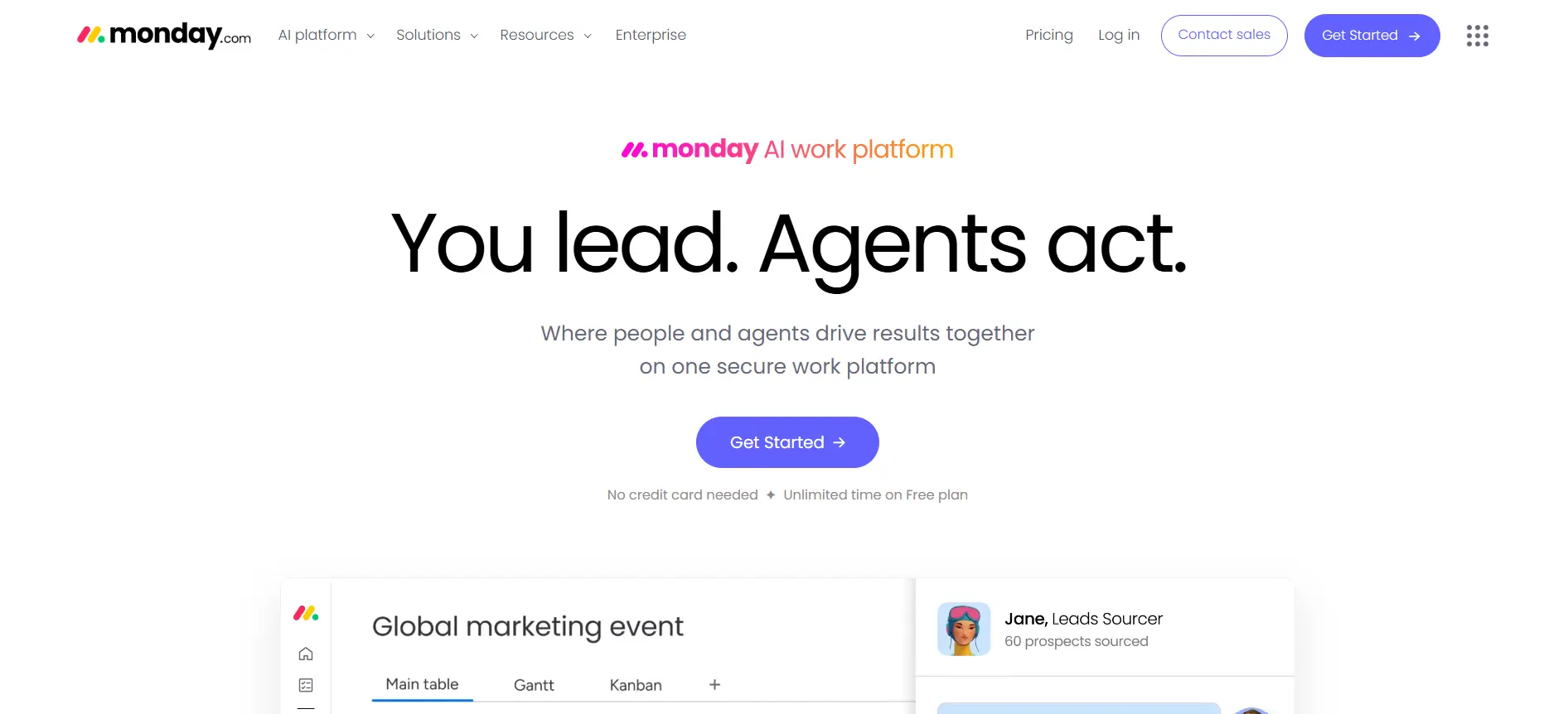
Monday.com is the tool I most often recommend to teams who have never used project management software before. The interface is genuinely beautiful, the onboarding is smooth, and within thirty minutes of signing up, a team of non-technical people can have a working board that reflects their actual work.
That said, it is not the deepest tool on this list. The further you push into complex workflows, the more you start bumping into limitations that require upgrading or workarounds. It is best understood as a high-quality visual work management platform rather than a true end-to-end project management solution.
In 2026, Monday.com expanded significantly into a full WorkOS platform covering CRM, service, and dev workflows alongside the core work management product. If your team needs all of those in one place, the value proposition improves. If you just need project management, you can focus on the Work Management product alone.
Key Features
- Multiple project views: Board, Timeline, Gantt, Calendar, Map, and Workload views available depending on plan
- Automations: 250 actions per month on Standard, 25,000 on Pro. Covers status changes, assignments, notifications, and integrations
- Dashboards: Combine up to 5 boards (Standard) or 20 boards (Pro) into a single reporting dashboard with charts, progress bars, and KPIs
- Integrations: 250 integrations on Standard, 25,000 actions on Pro. Connects with Slack, Google Workspace, Salesforce, HubSpot, and more
- Guest access: Up to 4 external guests on Standard, unlimited on Pro. Useful for client-facing agencies
- AI features: AI assistant for task generation, workflow suggestions, and meeting summaries included from the Standard plan onwards in 2026
What I Liked
- Onboarding is the fastest of any tool I tested; most teams are productive in under an hour
- Templates library is extensive with 200 options covering marketing, HR, IT, operations, and more
- The visual interface is genuinely pleasant to use daily, which matters more than it sounds
- Strong mobile app that mirrors the desktop experience well
What Frustrated Me
- Minimum of 3 seats on paid plans; users are added in increments of 5, which inflates costs
- The free plan only supports 2 users, making it nearly useless for team evaluation
- Automations are capped aggressively on lower tiers; 250 per month on Standard runs out fast
- Custom reporting is locked behind Pro tier at $19 per user per month
Pricing (Verified May 2026)
| Plan | Price (billed annually) | Key Features Included |
|---|---|---|
| Free (Individual) | Free, up to 2 seats | Unlimited boards, 200+ templates, iOS and Android, core task management. No integrations, no automations, no guest access |
| Basic | $9/seat/month | Unlimited items, 5GB storage, prioritised support, dashboard based on 1 board, unlimited viewers. No automations, no timeline, no calendar |
| Standard | $12/seat/month | Timeline and Gantt view, calendar view, 250 automations/month, 250 integrations/month, guest access (4 guests), dashboard from 5 boards, 20GB storage |
| Pro | $19/seat/month | 25,000 automations/month, 25,000 integrations/month, private boards, time tracking, formula columns, dashboard from 20 boards, 100GB storage, chart view |
| Enterprise | Custom quote | Enterprise security, advanced reporting, multi-level permissions, HIPAA compliance, audit log, dedicated customer success, 99.9% uptime SLA |
My Verdict
Monday.com is the right tool when ease of adoption is the top priority. If your team has been resistant to project management software in the past, this is the one most likely to get actual buy-in. For teams with complex workflows or tight budgets, ClickUp or Asana will serve you better per pound spent.
Asana
The most structured and reliable for task management across growing teams
Best for: Growing teams, operations managers, and anyone who needs clear accountability on complex projects
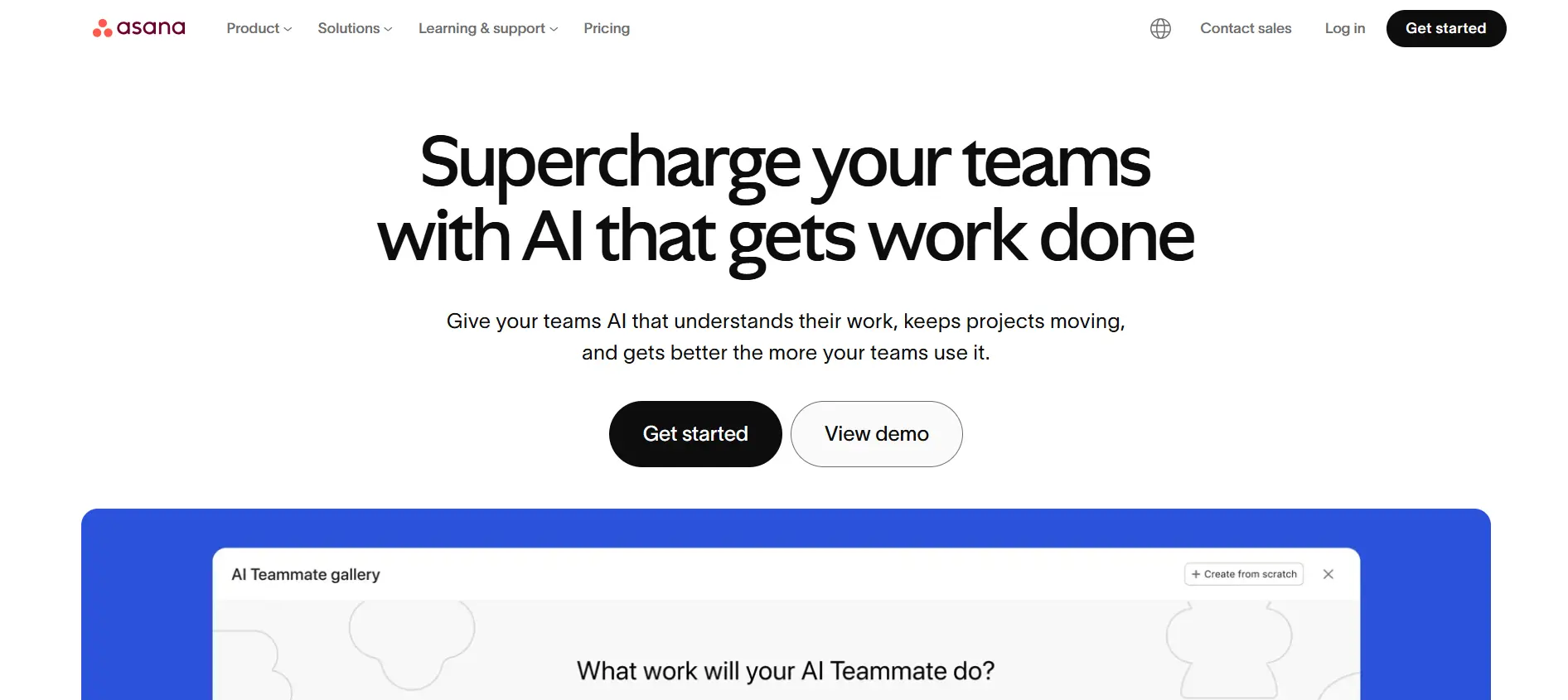
Asana has been one of my primary tools for several years and is the one I reach for when a project has a lot of moving parts, multiple stakeholders, and clear dependencies between tasks.
The free plan is one of the most genuinely useful in the category. Up to 10 users, unlimited tasks, unlimited projects, and access to list, board, and calendar views. Most small teams can run properly on it without feeling artificially constrained.
In 2026, Asana has deepened its AI integration significantly. The Starter plan now includes Asana AI for task drafting, project status updates, and workflow suggestions. It is one of the more thoughtfully implemented AI features in this space; it feels like it was built to help you work, not just to tick a box on a marketing page.
Key Features
- Task management: Dependencies, subtasks, custom fields, due dates, priorities, assignees, and tags available across all paid plans
- Timeline and Gantt: Full Gantt chart with dependency visualisation available from the Starter plan. One of the best Gantt implementations in the category
- Workflow Builder: No-code automation builder for creating trigger-based workflows, available on Starter with up to 250 runs per month, unlimited on Advanced
- Portfolios: Cross-project visibility showing status, progress, and risk across multiple projects simultaneously. Available from the Advanced plan
- Goals and OKRs: Set, track, and align company and team goals. Locked behind the Advanced tier ($24.99 per user per month)
- Reporting: Universal reporting dashboard available from Advanced. Pull data from across projects into a single view
- Time tracking: Native time tracking is included in the Advanced plan. Third-party integrations available on all plans
What I Liked
- The Gantt timeline view is one of the best in the category, genuinely clear for complex multi-dependency projects
- Free plan for up to 10 users is the most functional free tier for team use that I tested
- Asana AI on the Starter plan is well-implemented and actually saves time
- Rule-based automations are reliable and easier to configure than most competitors
What Frustrated Me
- The jump from Starter ($10.99) to Advanced ($24.99) is steep; Goals and portfolios are locked behind Advanced
- Automation runs are capped at 250 per month on Starter, which fills quickly for active teams
- Per-seat pricing adds up significantly for larger teams compared to Basecamp’s flat rate
- No built-in time tracking below the Advanced tier
Pricing (Verified May 2026)
| Plan | Price (billed annually) | Key Features Included |
|---|---|---|
| Personal | Free, up to 10 users | Unlimited tasks and projects, list, board, and calendar views, 100+ integrations, and unlimited messages. No timeline, no automations, no custom fields, no dashboards |
| Starter | $10.99/user/month | Timeline and Gantt view, Workflow Builder (250 runs/month), custom fields, forms, unlimited projects, Asana AI, up to 3 portfolios, 30+ project views |
| Advanced | $24.99/user/month | Goals and OKRs, unlimited portfolios, Portfolio Workload view, native time tracking, advanced reporting dashboards, unlimited automations, BI and CRM integrations |
| Enterprise | Custom quote | SAML SSO, SCIM provisioning, data export and deletion, priority support, custom branding, advanced admin controls |
| Enterprise+ | Custom quote | Everything in Enterprise, plus HIPAA compliance, advanced data residency, eDiscovery, and audit log exports for regulated industries |
My Verdict
Asana is the tool I recommend most for growing teams that have outgrown basic task lists but are not yet ready to manage enterprise-level complexity. The free plan gives you a genuine sense of how it works, and the Starter tier is good value at $10.99. The main caveat is the Starter to Advanced pricing jump; if you need goals and portfolio management, budget for Advanced from the start.
ClickUp
The most feature-dense tool in the category, with the best value at the paid entry tier
Best for: Teams that want one tool to replace multiple apps, and anyone who wants maximum features at a low price
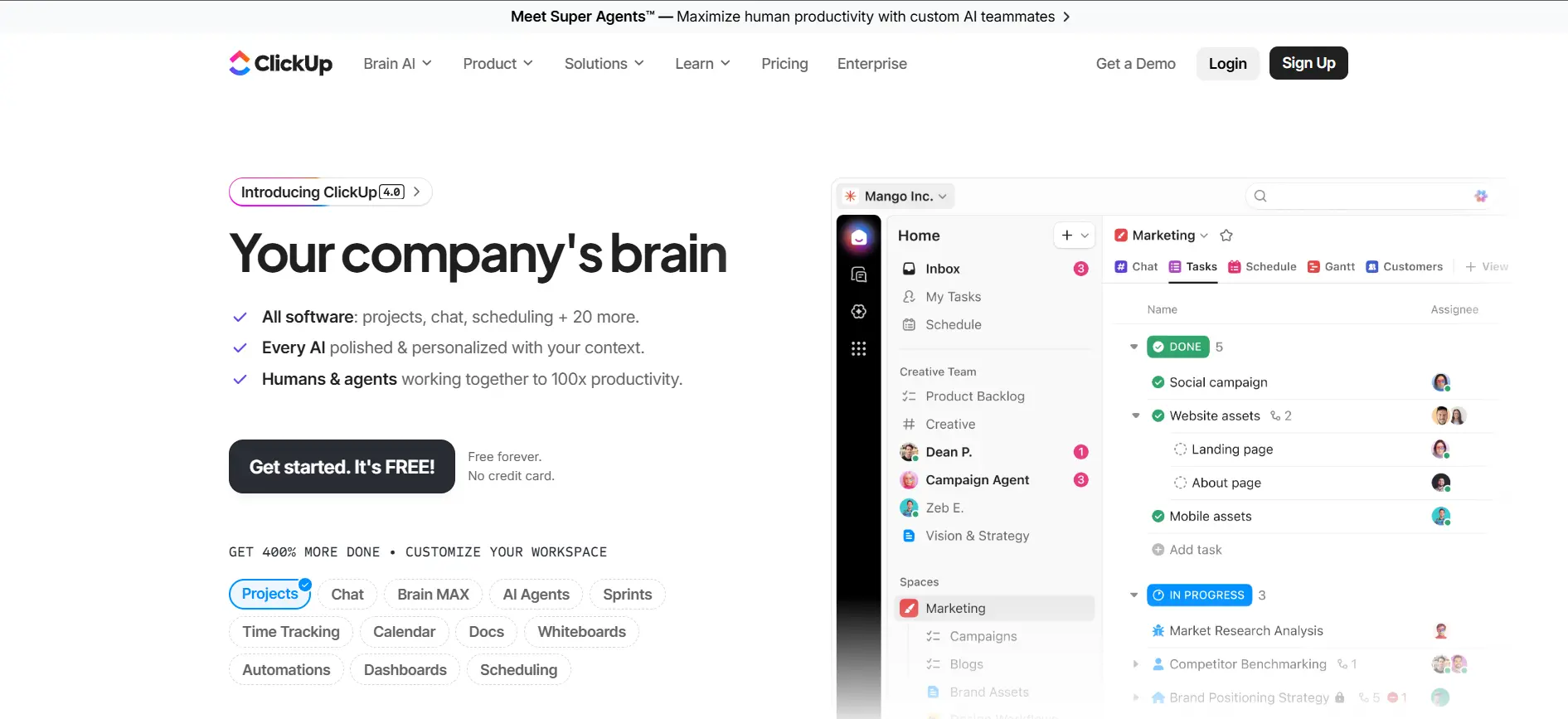
ClickUp is the most ambitious tool in this list. It is trying to be everything: project management, document editor, time tracker, goal setter, whiteboard, and AI assistant, all in one place. In my testing, it largely succeeds. There are more features here than most teams will ever need, which is both the best and worst thing about it.
The free plan is genuinely the most generous in the category for team use. Unlimited members, unlimited tasks, collaborative docs, and basic Kanban boards. The limitations (60MB storage, limited custom fields, capped automations) push you toward paid plans quickly, but the free plan gives you a proper sense of whether ClickUp works for your team.
One important pricing note for 2026: ClickUp Brain AI is a separate paid add-on at $9 per user per month on top of any plan. This means the Unlimited plan with AI costs $16 per user per month, not $7. That changes the value calculation if AI is a core part of your workflow.
Key Features
- 15+ project views: List, Board, Calendar, Gantt, Timeline, Mind Map, Workload, Table, Activity, Map, Whiteboard, and more, depending on plan
- ClickUp Docs: Built-in document editor with real-time collaboration, nested pages, and linking to tasks. A genuine alternative to Notion for documentation
- Automations: 100 automations per month on Unlimited, 1,000 on Business. Covers status changes, task creation, assignments, and integrations
- Time tracking: Native time tracking with timesheets and reporting available from the Unlimited plan
- Goals and portfolios: Goal tracking linked to tasks, available from the Unlimited plan
- Guests with permissions: External collaborators with controlled access, available from the Unlimited plan
- Sprint management: Sprint dashboards, burndown charts, velocity reporting, and Agile views from the business plan
What I Liked
- Unlimited plan at $7 per user per month is the best value paid tier in the category
- Free plan allows unlimited members and tasks, which is rare in this space
- ClickUp Docs makes it a genuine all-in-one tool; no need for a separate Notion or Confluence
- 15+ project views give teams complete flexibility in how they visualise work
What Frustrated Me
- AI Brain is a separate add-on at $9 per user per month, not included in base plans
- The sheer volume of features creates a steep learning curve; new users can feel overwhelmed
- In 2026, guest reclassification changes caused unexpected billing increases for some customers
- Performance can lag with very large workspaces or complex automations
Pricing (Verified May 2026)
| Plan | Price (billed annually) | Key Features Included |
|---|---|---|
| Free Forever | Free, unlimited users | Unlimited tasks and members, 5 Spaces, 60MB storage, basic Kanban, collaborative docs, 100 automations/month. Limited Gantt (60 uses), limited custom fields (100 uses) |
| Unlimited | $7/user/month | Unlimited storage, Gantt charts, guests with permissions, unlimited integrations, unlimited dashboards, time tracking, goals, agile reporting, and Google SSO |
| Business | $12/user/month | Google SSO, unlimited Teams, advanced automations (1,000/month), workload management, advanced time tracking, timesheets, sprint reporting, private and default views |
| Enterprise | Custom quote | White labelling, advanced permissions, enterprise API, dedicated success manager, HIPAA compliance, MSA, and DPA available |
| ClickUp Brain AI (add-on) | $9/user/month | AI task summaries, AI-generated subtasks, AI project status updates, and AI writing assistance. Added on top of any paid plan |
My Verdict
ClickUp is the pick if you want maximum features for minimum spend and are willing to invest time in setup and onboarding. For teams that need AI features, factor in the additional $9 per user per month for Brain before comparing total costs against competitors. Without AI, the Unlimited plan at $7 per user per month is an unbeatable value.
Trello
The simplest Kanban tool in the category; ideal if you need to get moving in under an hour
Best for: Small teams, freelancers, visual thinkers, and anyone whose workflow fits a Kanban board
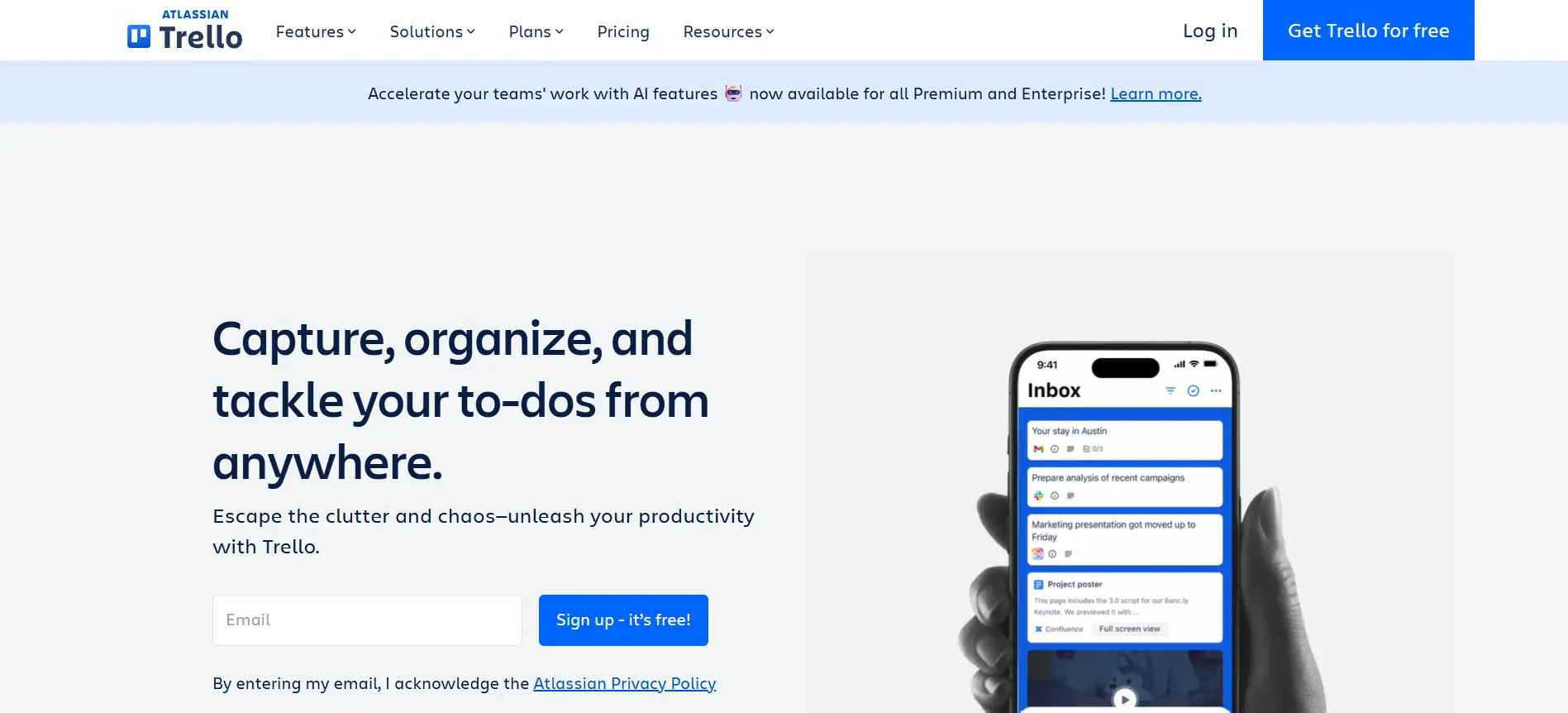
Trello is the tool I use when I want zero friction. No configuration, no onboarding, no hour-long setup. You create a board, add lists, and drag cards between them. That is essentially all there is to it, and for a surprising number of workflows, that is all there needs to be.
In 2026, Trello added some genuinely useful capabilities that expand its usefulness without overcomplicating the experience. The Inbox feature captures tasks from Slack, Gmail, and voice notes. The Planner feature syncs with Google Calendar. AI features (Premium plan and above) extract due dates and action items from messages automatically.
The limitation is depth. If you need Gantt charts, resource management, cross-project reporting, or advanced automations, Trello will frustrate you. It is a task manager that can handle light project management, not a full project management platform.
Key Features
- Kanban boards: The core of Trello. Unlimited cards on all plans. Simple, clean, and effective for visual task management
- Power-Ups: Trello’s integration and extension system. Unlimited Power-Ups from the Standard plan. Adds Calendar, Gantt, voting, and 200+ third-party integrations
- Butler automations: Trigger-based automation rules, buttons, and scheduled commands. 250 runs per month on Standard, unlimited on Premium
- Multiple views (Premium): Timeline (Gantt-style), Calendar, Table, Dashboard, and Map views added at the Premium tier. Free and Standard are board-only
- Trello Inbox: Captures tasks from Gmail, Slack, and voice notes automatically. Available on Premium and above
- AI features: AI extracts action items and due dates from messages on Premium. Content generation for card descriptions available
What I Liked
- Zero learning curve; if you have used sticky notes on a wall, you understand Trello immediately
- Free plan is genuinely usable for personal projects and small teams with simple needs
- Standard plan at $5 per user per month is one of the cheapest entry paid tiers in the category
- 2026 additions (Inbox, Planner, AI) make it meaningfully more useful without adding complexity
What Frustrated Me
- No Gantt charts, resource management, or cross-project reporting below Premium
- The free plan is limited to 10 boards per workspace, which is a real constraint for active teams
- Butler automations are capped at 250 per month on Standard; complex workflows hit this quickly
- Not suitable for projects with complex dependencies or multi-team visibility requirements
Pricing (Verified May 2026)
| Plan | Price (billed annually) | Key Features Included |
|---|---|---|
| Free | Free, unlimited users | Unlimited cards, 10 boards per workspace, unlimited Power-Ups (1 per board), 250 automation runs/month, 10MB file attachments. Board view only |
| Standard | $5/user/month | Unlimited boards, unlimited Power-Ups, advanced checklists, custom fields, 1,000 automation runs/month, 250MB file attachments, saved searches |
| Premium | $10/user/month | Timeline, Calendar, Table, Dashboard, and Map views, unlimited automation runs, Trello Inbox, AI features, workspace-level templates, observer role, 250MB attachments |
| Enterprise | $17.50/user/month (25-user minimum) | Multiple workspaces under one organisation, organisation-wide permissions, Power-Up administration, attachment restrictions, SSO and SCIM via Atlassian Guard, 24/7 priority support |
My Verdict
Trello is the right choice when simplicity is the highest priority. A five-person team with a clear Kanban workflow will be productive in thirty minutes. Larger teams or those running multi-stage projects with dependencies should look at Asana or Monday.com instead.
Jira
The most powerful tool for software development teams using Agile methodologies
Best for: Software development teams, IT departments, and engineering organisations running Scrum or Kanban
Jira is the clear category leader for software teams, and has been for over a decade. If your team is running sprints, managing a backlog, tracking bugs across releases, or working in Scrum or Kanban at any meaningful scale, Jira is almost certainly the right choice.
That said, it earns its reputation for complexity. I spent my first day with Jira mostly configuring workflows, issue types, and permissions rather than actually managing a project. For non-technical teams, that configuration overhead is a real barrier. For engineering teams, it quickly becomes second nature.
In 2026, Jira expanded beyond software development with Jira Work Management for business teams and Jira Service Management for IT teams. The Standard plan at $7.91 per user per month is genuinely good value for what you get.
Key Features
- Scrum and Kanban boards: Full Agile board support, including sprint planning, backlog management, velocity tracking, and burndown charts
- Issue tracking: Epics, stories, tasks, bugs, and subtasks with custom issue types, priority, assignee, labels, and fix versions
- Custom workflows: Define exactly which states an issue can move through with conditions, validators, and post-functions at each transition
- Roadmaps: Basic single-project roadmaps on Free and Standard; advanced cross-team roadmaps on Premium
- Automation: 500 runs per month on Standard, 1,000 on Premium. Covers status changes, notifications, and cross-project rules
- Integrations: 3,000+ apps on the Atlassian Marketplace, including GitHub, Bitbucket, Confluence, Slack, and Zendesk
What I Liked
- The most powerful issue tracking and Agile workflow management of any tool I tested
- 3,000+ marketplace integrations; best developer toolchain integration in the category
- Standard plan at $7.91 per user per month is a good value for the depth you get
- Cross-project roadmaps on Premium give enterprise engineering teams genuine multi-team visibility
What Frustrated Me
- High configuration overhead out of the box; not suitable for non-technical teams
- The free plan is limited to 10 users with restricted automation and storage
- The UI has improved, but still feels more complex than alternatives for simple task management
- Adding the full Atlassian stack (Confluence, Bitbucket) adds a high cost
Pricing (Verified May 2026)
| Plan | Price (billed annually) | Key Features Included |
|---|---|---|
| Free | Free, up to 10 users | Scrum and Kanban boards, backlog, basic roadmaps, 2GB storage, 100 automation runs/month. Strict 10-user cap |
| Standard | $7.91/user/month | User roles and permissions, project archiving, data residency options, 500 automation runs/month, audit logs, 250GB storage, basic roadmaps |
| Premium | $14.54/user/month | Cross-team advanced roadmaps, unlimited storage, 1,000 automation runs/month, 99.9% uptime SLA, 24/7 support for critical issues, multi-project automation |
| Enterprise | Custom quote | Unlimited sites, centralised user management, SAML SSO, advanced analytics, org-wide dashboards, dedicated support, performance SLAs |
My Verdict
Jira is the tool I would choose without hesitation for a software development team running Agile workflows. For any other team type, start with Asana or Monday.com instead. The Standard plan represents strong value for engineering teams that want proper sprint management and issue tracking without paying for Premium features they may not need immediately.
Notion
The most flexible all-in-one workspace for teams that need documentation as much as project management
Best for: Startups, product teams, content teams, and anyone who needs a knowledge base alongside task management
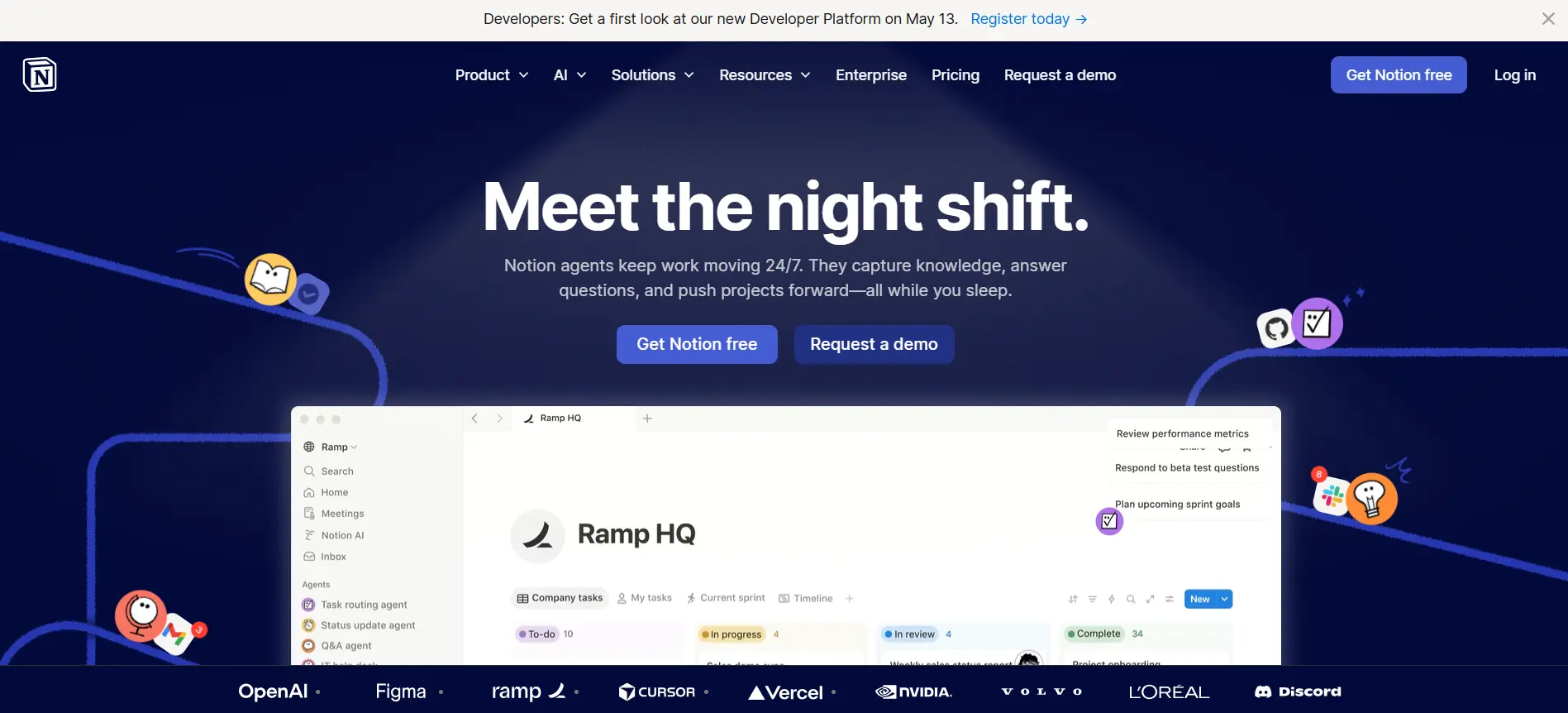
Notion is not a pure project management tool. It is a flexible workspace that happens to include project management capabilities alongside wikis, docs, databases, and collaborative pages. If you try to use it the same way you would use Asana or Monday.com, you will probably find it clunky. If you build your workspace around the way Notion actually works, it becomes an exceptionally powerful tool.
The free plan is generous for personal use but limited for teams. Unlimited pages, collaborative editing, and 7-day page history. The main constraint is that you cannot invite more than 10 guests without upgrading.
In 2026, Notion AI will be available on all plans (including free with a usage limit) and is one of the most practically useful AI implementations I have tested. It drafts documents, generates summaries, creates task lists from meeting notes, and searches across your workspace in natural language. If AI-assisted work is a priority, Notion is worth serious consideration.
Key Features
- Flexible databases: Build any data structure you need. View the same data as a Table, Board, Calendar, Gallery, Timeline, or List without duplicating it
- Docs and wikis: Create interconnected pages with rich formatting, embeds, and nested subpages. Builds a genuine company knowledge base
- Notion AI: Draft documents, summarise pages, generate task lists, search across the workspace in natural language. Available on all plans in 2026
- Project databases: Track projects and tasks in a database with custom properties, filters, and views. Works well for teams that work primarily in documents
- Templates: 1,000+ community and official templates for project tracking, OKRs, meeting notes, product roadmaps, and more
- Notion Calendar: Standalone calendar that integrates with Google Calendar and Notion databases for timeline visibility
What I Liked
- Notion AI is genuinely useful and well-integrated, not just a feature checkbox
- The flexibility means you can build a workspace that fits your exact way of working
- Documentation and knowledge management are far superior to dedicated PM tools
- Plus plan at $12 per user per month covers most team needs
What Frustrated Me
- Not purpose-built for project management; lacks native time tracking, resource management, and Gantt charts
- Performance slows noticeably with very large databases, which becomes a real issue at scale
- Teams without someone to configure the workspace often end up with messy, underused setups
- The free plan is better suited to individual use than team project management
Pricing (Verified May 2026)
| Plan | Price (billed annually) | Key Features Included |
|---|---|---|
| Free | Free, unlimited members | Unlimited pages and blocks, collaborative editing, Notion AI (limited usage), 7-day page history, up to 10 guests, 5MB file uploads |
| Plus | $12/member/month | Unlimited guests, 30-day page history, unlimited file uploads, unlimited AI usage, Notion Calendar, custom domain (beta), advanced permissions |
| Business | $18/member/month | 90-day page history, SAML SSO, private teamspaces, bulk PDF export, advanced analytics, advanced AI features, verified domains |
| Enterprise | Custom quote | Unlimited page history, advanced security controls, dedicated customer success, SCIM user provisioning, audit log, workspace analytics |
My Verdict
Notion is the right choice if your team lives in documents and needs task management to sit inside a broader knowledge workspace. For teams whose primary need is structured project management with reporting and resource visibility, Asana or Monday.com will serve you better.
Smartsheet
The project management tool for teams that cannot let go of spreadsheets
Best for: Operations teams, data-driven teams, finance, construction, and anyone transitioning from Excel
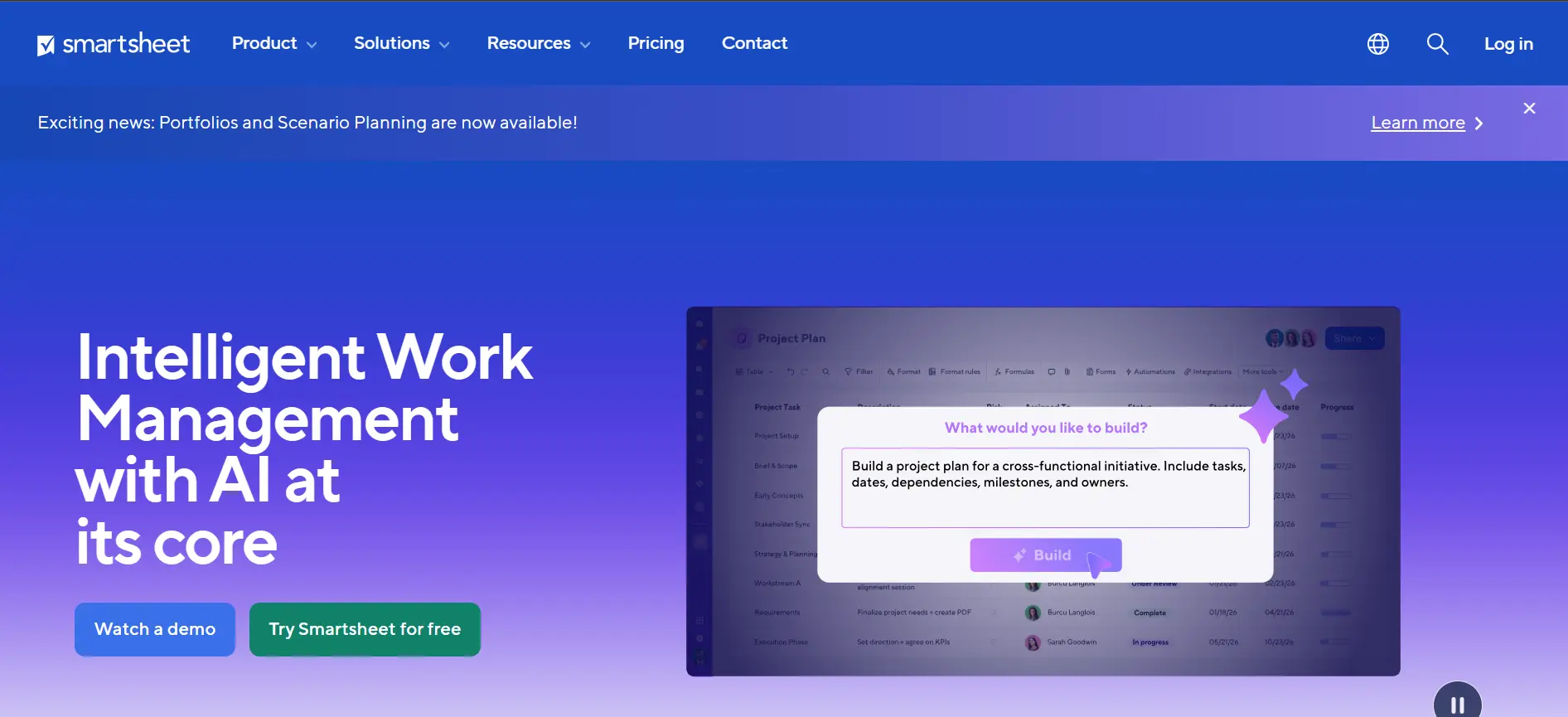
Smartsheet is often described as Excel with a project management degree, and that description is accurate. If your team is deeply comfortable in spreadsheets and has resisted PM tools because they feel foreign, Smartsheet removes that barrier. The interface looks and feels like a grid, but it has Gantt charts, card views, automations, and workflow tools built in.
It is particularly strong in resource management, form-based intake workflows, and cross-sheet reporting. I found it genuinely useful for operations and project management in environments where data integrity and formula-based tracking matter.
Smartsheet has no free plan. The cheapest tier is Pro at $9 per user per month, which is reasonable for what you get. The Business tier at $19 per user per month is where the more powerful features live, including unlimited sheets, advanced automations, and resource management.
Key Features
- Grid, Gantt, Card, and Calendar views: Switch between views without losing data. The Grid view is the most distinctive; it genuinely feels like an intelligent spreadsheet
- Automation workflows: Trigger-based automations for approval workflows, email alerts, and row actions. Advanced automations available from the Business plan
- Forms: Build intake forms that feed directly into Smartsheet projects. Excellent for request management and structured data collection
- Resource management: Allocate team capacity, track workload, and manage project resources across sheets. Available from the Business plan
- Dashboards and reports: Pull data from multiple sheets into a single dashboard. Cross-sheet reporting available from the business plan
- Microsoft 365 and Google Workspace integration: Deep integration with both ecosystems; particularly strong in enterprise Microsoft environments
What I Liked
- The spreadsheet-style interface eliminates the learning curve for Excel-native teams
- Form-based intake workflows are the best implementation of this feature I tested
- Strong in complex construction, operations, and finance use cases
- Excellent Microsoft 365 integration makes it a natural fit in enterprise environments
What Frustrated Me
- No free plan; must commit to paid from the start
- Per-user pricing at $19 for Business adds up faster than Basecamp or ClickUp for larger teams
- Less intuitive for teams accustomed to modern visual PM tools
- The mobile app is functional but notably weaker than competitors
Pricing (Verified May 2026)
| Plan | Price (billed annually) | Key Features Included |
|---|---|---|
| Pro | $9/user/month | Unlimited sheets, views (Grid, Gantt, Card, Calendar), basic automations, 250 automated actions/month, 50 co-editors per sheet, 20GB storage, standard integrations |
| Business | $19/user/month | Unlimited automations, resource management, advanced reporting dashboards, multi-sheet reports, forms with conditional logic, activity log, API access, Salesforce, and Jira integration |
| Enterprise | Custom quote | WorkApps builder, SAML SSO, directory integration, customer-managed encryption keys, portfolio management, advanced security controls, dedicated support |
My Verdict
Smartsheet earns its place because it solves a real problem: getting data-centric, spreadsheet-native teams into proper project management without forcing them through a disruptive interface change. If your team lives in Excel, this is the most natural migration path.
Wrike
The most powerful choice for cross-functional teams managing complex, multi-department projects
Best for: Marketing agencies, operations teams, and enterprises managing cross-functional projects at scale
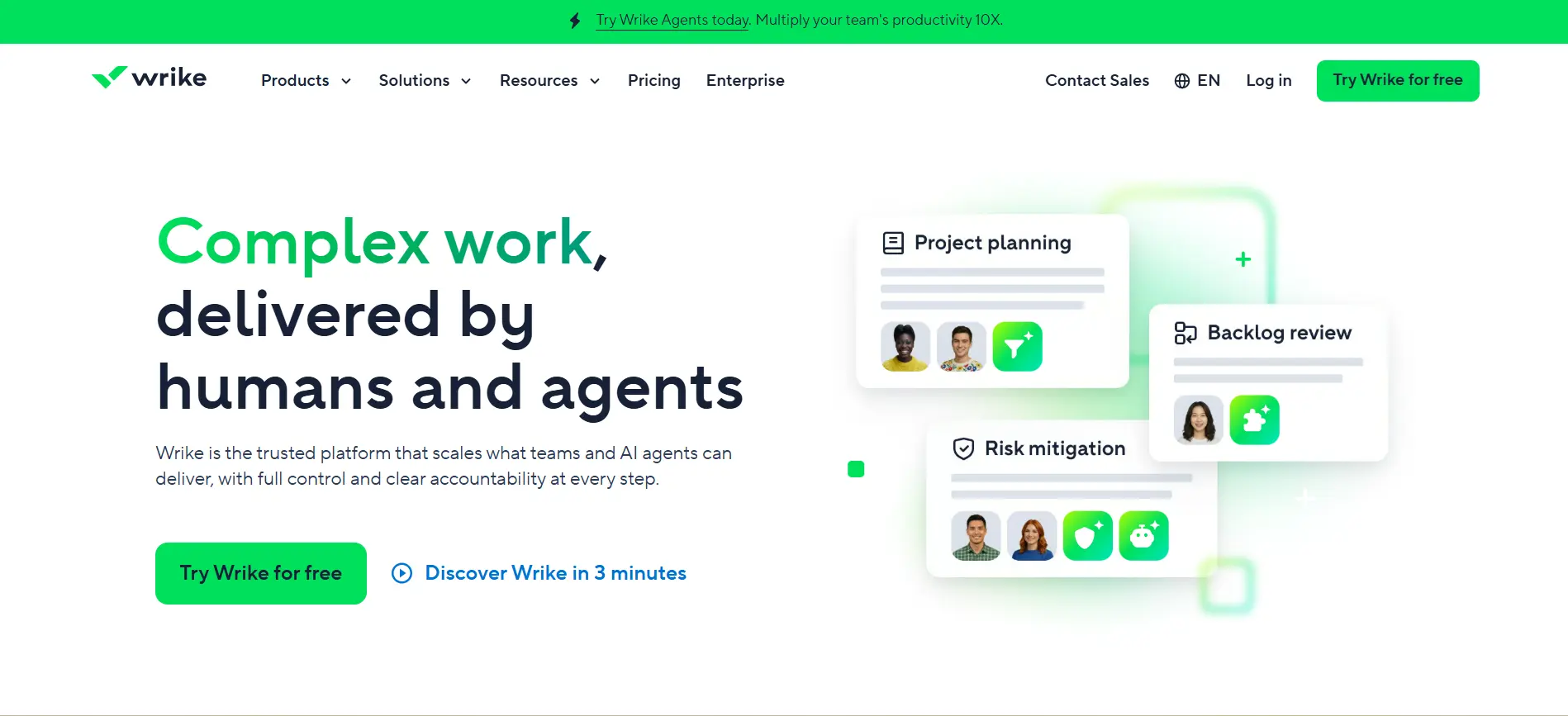
Wrike is positioned at the more enterprise end of the market, and it shows. The feature set is comprehensive: Gantt charts, request forms, proofing and approval workflows, advanced resource management, and AI-powered risk prediction. If you are managing complex projects that touch multiple departments, Wrike handles that depth better than most.
The free plan is limited to 5 users and basic task management, which is not enough to properly evaluate it. I would recommend starting a Business trial to get a real sense of what Wrike offers. The Gantt chart implementation is one of the best I have tested; dependencies, critical path, and drag-to-reschedule all work exactly as expected.
Wrike’s request form feature is worth highlighting specifically. Building a structured intake form that automatically generates a project with the right template, assignees, and folder structure when submitted is genuinely powerful for agencies and operations teams.
Key Features
- Interactive Gantt charts: Drag-and-drop timeline with dependency management, critical path visualisation, and automatic downstream rescheduling
- Request forms: Build dynamic intake forms that auto-generate tasks and projects on submission. The best implementation of this feature in the category
- Proofing and approvals: Review and approve creative assets, documents, and videos directly within Wrike with inline commenting and version tracking
- Workload management: Visualise team capacity across projects, identify bottlenecks, and rebalance assignments without leaving the platform
- AI risk prediction: Wrike AI analyses project patterns and flags tasks at risk of being late before they are. Available from the Business Plan
- Wrike Datahub and Analyze: Advanced analytics combining project data with external sources for executive-level reporting. Premium plan feature
What I Liked
- Best Gantt chart implementation in the category; dependencies and critical path are genuinely clear
- Request forms and approval workflows are the strongest in the market for agencies
- AI risk prediction is one of the few AI features in this space that felt practically useful
- Scales well into enterprise; used by large organisations across multiple industries
What Frustrated Me
- The business plan at $24.80 per user per month is expensive for smaller teams
- Configuration overhead is significant; plan for a proper implementation period
- The free plan (5 users) is too limited to evaluate the product properly
- Advanced analytics and dashboards require the premium Pinnacle plan at custom pricing
Pricing (Verified May 2026)
| Plan | Price (billed annually) | Key Features Included |
|---|---|---|
| Free | Free, up to 5 users | Task and project management, board view, basic integrations, web, desktop, and mobile apps. Very limited compared to paid plans |
| Team | $10/user/month | Unlimited projects, 20 free collaborators, Gantt charts, request forms, 200 automation actions/month, 50+ integrations, shareable dashboards |
| Business | $24.80/user/month | Resource management, cross-project workload view, AI risk prediction, custom fields and workflows, proofing and approvals, time tracking, unlimited automation, advanced reports, Salesforce integration |
| Enterprise and Pinnacle | Custom quote | Advanced security, SAML SSO, two-factor authentication, Wrike Datahub, Wrike Analyze, advanced budgeting, locked spaces, admin management, dedicated success manager |
My Verdict
Wrike is the right tool when you are managing complex, multi-stage projects that involve cross-functional teams, client approvals, and detailed resource planning. For teams that primarily need task tracking and basic project management, the Business price point is hard to justify. For agencies and operations teams running at scale, it is worth it.
Basecamp
The flat-rate, simplicity-first tool that gets out of the way and lets teams communicate
Best for: Small to mid-sized businesses, agencies, and teams that want simple communication with no per-user cost shock
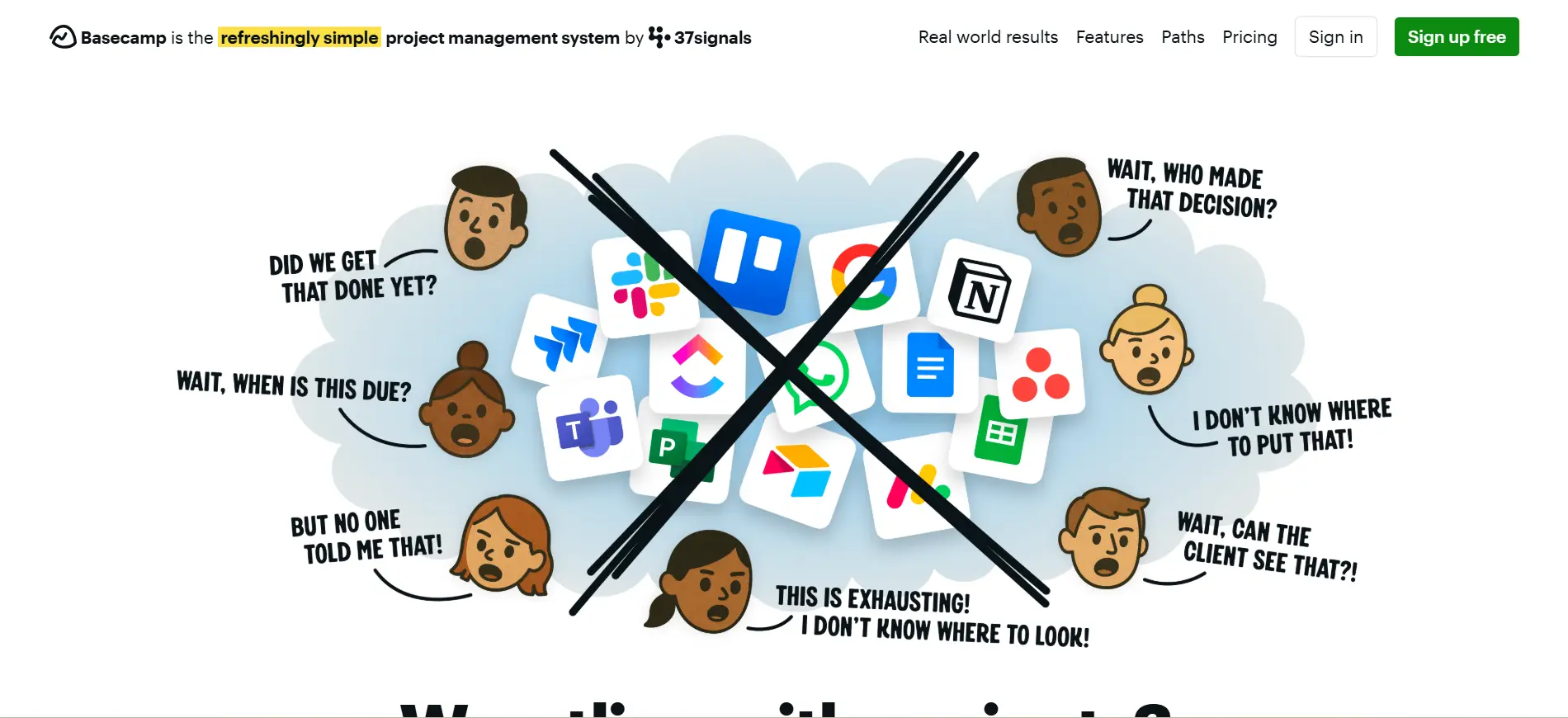
Basecamp takes a completely different approach to project management. Instead of building the most feature-rich platform, 37signals has deliberately kept Basecamp simple and opinionated. Every project gets the same set of tools: a message board, a to-do list, a file storage area, a schedule, group chat, and automatic check-ins. That is it.
The flat-rate pricing is the headline: $299 per month for unlimited users, unlimited projects, and unlimited storage. For a 20-person team, that works out to $14.95 per person per month. For a 50-person team, it drops to $5.98 per person per month. No per-seat cost shock as the team grows.
What Basecamp does not have is equally important to know: no Gantt charts, no Kanban boards (beyond a basic card view), no time tracking, no resource management, no detailed reporting. It is deliberately not trying to be those things. If you need any of those features, look elsewhere. If you need clean team communication organised around projects, Basecamp is exceptionally well-designed for that job.
Key Features
- Message boards: Threaded discussion boards per project that replace scattered email threads. Keeps project conversation searchable and in context
- To-do lists: Simple task assignment with due dates and completion tracking. No complex dependencies or subtask hierarchies
- Campfire chat: Real-time group chat per project. Reduces the need for a separate Slack channel for each project
- Automatic check-ins: Scheduled prompts that ask team members questions and collect async status updates without a meeting
- Hill Charts: A unique visual progress tracker showing whether work is still in the uncertain ‘uphill’ phase or moving toward the predictable ‘downhill’ completion
- Flat-rate pricing: One fixed monthly price regardless of user count. Eliminates per-seat cost growth as the team scales
What I Liked
- Flat-rate pricing becomes the best value in the category for teams of 20 or more
- The simplicity means there is almost nothing to configure; teams are productive immediately
- Automatic check-ins reduce the need for status meetings in async or remote teams
- Hill Charts are a genuinely useful way to communicate project uncertainty to stakeholders
What Frustrated Me
- No Gantt charts, proper Kanban, time tracking, resource management, or detailed reporting
- The fixed feature set means you cannot adapt it to complex workflows
- At $299 per month, it is expensive for very small teams (under 7-8 people)
- Limited integrations compared to competitors; no native automation builder
Pricing (Verified May 2026)
| Plan | Price (billed annually) | Key Features Included |
|---|---|---|
| Basecamp Free | Free, up to 20 users | 3 projects, 20 users, 1GB storage. All core Basecamp features included. Good for trying it properly before committing |
| Basecamp Plus | $15/user/month | Unlimited projects, unlimited users, 500GB storage, all core features. Better value only for teams under 20 users |
| Basecamp Pro Unlimited | $299/month flat (billed annually) | Unlimited projects, unlimited users, 5TB storage, all features. Becomes best per-user value at 20+ team members. Priority support included |
| Enterprise | Custom quote | Volume discounts, dedicated account manager, advanced security, and custom legal agreements |
My Verdict
Basecamp is the right tool when simplicity and flat-rate pricing are the priorities. If your team communicates a lot about projects but does not need detailed Gantt planning or resource management, the Pro Unlimited plan at $299 per month is genuinely excellent value for 20 users or more. Below that size, the per-user price is less competitive.
Zoho Projects
The most affordable feature-complete tool, especially powerful within the Zoho ecosystem
Best for: Budget-conscious teams, small businesses, and teams already using Zoho CRM or other Zoho apps
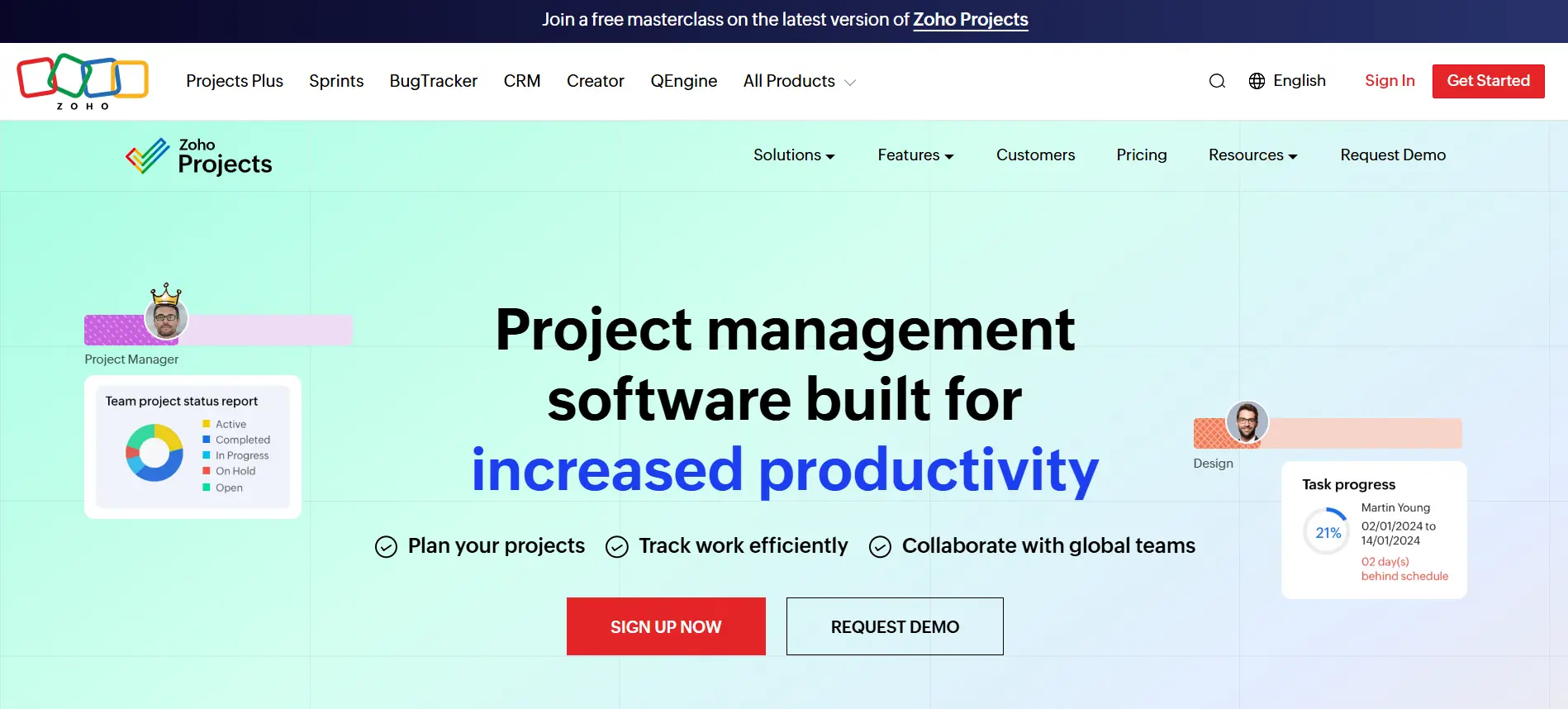
Zoho Projects is consistently underestimated in roundups like this one, which is a mistake. For $4 per user per month on the Premium plan, you get Gantt charts, task dependencies, time tracking, budget management, issue tracking, and automation. Nothing else at that price point comes close to that feature set.
The real strength of Zoho Projects is its integration with the broader Zoho ecosystem. If your team already uses Zoho CRM, Zoho Books, Zoho Desk, or Zoho Analytics, the native integration between these tools is seamless and significantly reduces the friction of connecting your project data to other business systems.
The trade-off is design and onboarding. Zoho Projects is not the most visually polished tool in this list, and it takes longer to feel comfortable in than Monday.com or Trello. Once configured, though, it is reliable and capable.
Key Features
- Gantt charts: Full Gantt with dependencies, critical path, and baseline tracking available from the Premium plan
- Time tracking: Log hours per task, set billing rates, and generate client-ready timesheets. Available from the Premium plan
- Budget management: Track project budget versus actual spend. Unusual at this price point and useful for client-billing scenarios
- Issue tracking: Built-in bug and issue tracker with custom workflows. Good for development teams or internal IT
- Automations: Workflow automation for task assignments, status changes, and notifications. Available from the Premium plan
- Zoho ecosystem integration: Native integration with Zoho CRM, Zoho Analytics, Zoho Books, Zoho Desk, and 50+ other Zoho apps
What I Liked
- Best features-per-pound pricing in the category at $4 per user per month for Premium
- Gantt charts, time tracking, and budget management at Premium are unusual at this price
- Seamless integration with the Zoho ecosystem for teams already in that environment
- Issue tracking built in is genuinely useful for technical and IT teams
What Frustrated Me
- The interface is less polished and harder to navigate than Monday.com or Asana
- Onboarding takes longer than most competitors; new users need more time to feel comfortable
- Limited appeal outside of teams already in the Zoho ecosystem
- The mobile app is functional, but not as smooth as the leading competitors
Pricing (Verified May 2026)
| Plan | Price (billed annually) | Key Features Included |
|---|---|---|
| Free | Free, up to 3 users | 2 projects, basic task management, file storage (5GB), and discussions. Very limited for team evaluation purposes |
| Premium | $4/user/month (billed annually) | Unlimited projects, Gantt charts, task dependencies, time tracking, budget management, 20 project templates, 100GB storage, 50 automation workflows, issue tracking |
| Enterprise | $9/user/month (billed annually) | Everything in Premium plus advanced portfolio management, global Gantt chart across projects, custom roles and profiles, resource utilisation chart, 120GB storage, 200 automation workflows |
My Verdict
Zoho Projects is the best choice for teams that want a feature-complete project management tool on a tight budget, and particularly strong for teams already using other Zoho products. At $4 per user per month, the Premium plan is a significant undercurrent in this market that many teams overlook.
How to Choose the Right Project Management Tool
After testing all ten of these tools, the recommendation I give most often is: start by defining your primary constraint, not your primary feature wish list.
If the budget is the main constraint
- Free: Asana (up to 10 users) or ClickUp (unlimited users, limited features)
- Under $5/user/month: Trello Standard at $5 or Zoho Projects Premium at $4
- Large team on a fixed budget: Basecamp Pro Unlimited at $299/month flat is the cheapest per-user for 20+ people
If your team is non-technical and needs fast adoption
- Monday.com is the fastest to onboard for teams with no PM software experience
- Trello is even faster if a Kanban board covers your workflow
- Avoid Jira, Wrike, and Smartsheet; all require meaningful configuration and onboarding time
If you are a software development team
- Jira is almost always the right answer for Agile, Scrum, and sprint-based development
- ClickUp is a credible alternative if you want a single tool for both technical and non-technical teams
- Asana works well for product management even if engineering stays in Jira
If you need deep documentation alongside project management
- Notion is the clear choice if wikis, docs, and knowledge management are central to how your team works
- ClickUp Docs is a strong second option if you are already using ClickUp for tasks
If you are managing complex, multi-department projects
- Wrike handles cross-functional project complexity better than most, especially with its request forms and approval workflows
- Asana Advanced with portfolios is a strong alternative for organisations that want cleaner dashboards
- Smartsheet works well if your complexity is data-centric and your team is comfortable with spreadsheets
Frequently Asked Questions
Asana’s Personal plan (free for up to 10 users) is the most genuinely useful free plan for team project management. It includes unlimited tasks and projects, lists, board, and calendar views, and 100+ integrations. ClickUp’s Free Forever plan supports unlimited users and is worth considering for larger teams that can work within the storage and feature limits.
The terms are used interchangeably. Project management software is the broader term for any application that helps plan, track, and deliver projects. Project management tools typically refer to the same category, sometimes including standalone features like Gantt chart makers or Kanban boards rather than full platforms. In practice, when someone says either term in 2026, they almost always mean a full-featured platform like the ones covered in this guide.
It depends on your priorities. Monday.com is better for ease of adoption and visual appeal; most non-technical teams start being productive on it within an hour. Asana has a better free plan (10 users vs 2), stronger Gantt chart implementation, and a lower entry paid price ($10.99 vs $12 per user per month). For team-wide buy-in from non-technical people, use Monday.com. For structured project management with better value at the entry tier, Asana.
For small businesses, the best options are Asana (free up to 10 users, strong structure), Trello (easiest to use, $5/user on Standard), ClickUp (most features on free and paid tiers), and Basecamp Pro Unlimited (flat $299/month, best value for 20 users). The right choice depends on whether simplicity, feature depth, or budget is the primary priority.
No. ClickUp Brain AI is a separate paid add-on priced at $9 per user per month (as of May 2026), on top of any paid plan. This means the Unlimited plan with AI costs $16 per user per month rather than $7. If AI features are a priority, factor this into your cost comparison with tools that include AI in their base pricing.
Monday.com, Asana, and ClickUp all work well for remote teams because of their strong async collaboration features, comment threads on tasks, and clear status visibility. Basecamp is also worth considering for remote teams specifically because its Automatic Check-Ins feature reduces the need for synchronous status meetings across time zones.